Best App to Split Bills With Friends Free (2026)
Compare free bill splitting apps by job. See when SPLIIT Pro's receipt scanner fits, when a shared ledger fits better, and what free really includes.
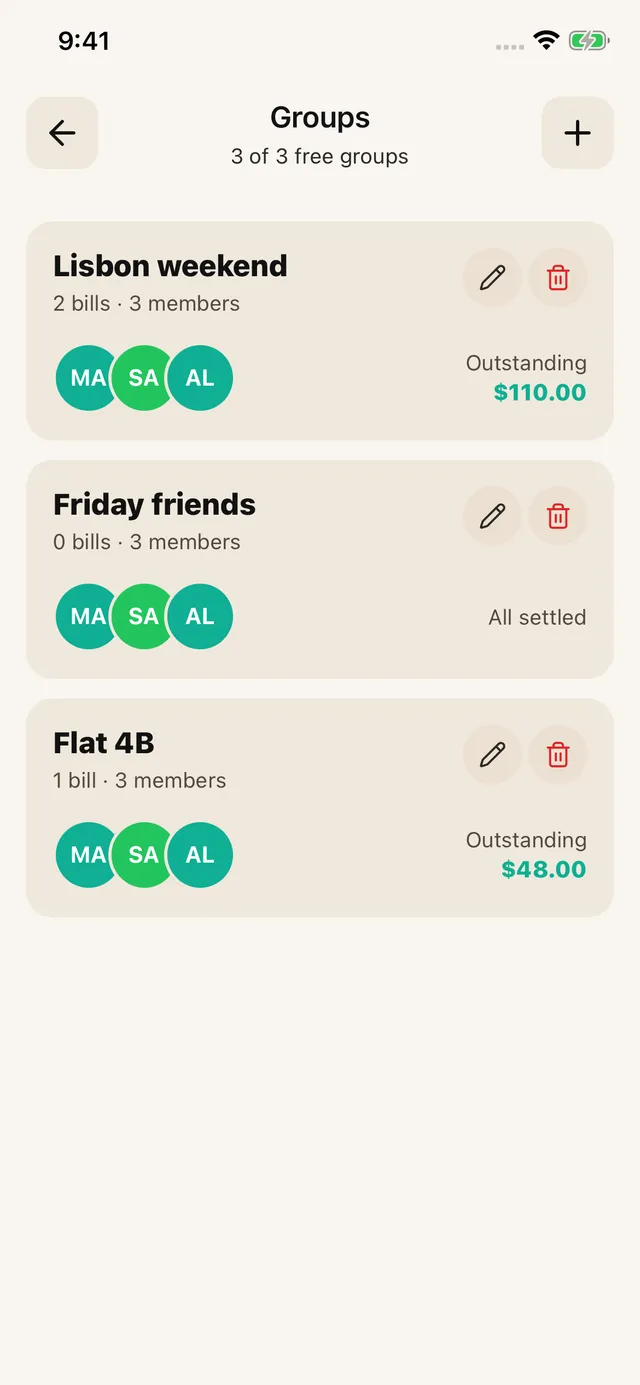
Choose SPLIIT Pro for itemized receipts, private expense groups and repayment tracking. Choose a collaborative expense app when everybody must edit the same records. SPLIIT Pro does not import another app’s history, convert currencies or transfer money.
That distinction matters more than any generic “best bill splitting app” ranking. Receipt splitters and expense ledgers solve different problems, and pretending one app is best at both produces bad recommendations.
Best Bill Splitting App by Use Case
| What you need | Best fit | Why | Trade-off |
|---|---|---|---|
| Scan one receipt and split by item | SPLIIT Pro | Scan, then check; Private expense groups and balances | Scan allowance, 7 contacts plus you, 3 groups, saved history; No collaborative editing, currency conversion or money transfers |
| Track expenses and balances for weeks | Splitwise or Tricount | Groups, running balances, and settlement tracking | Receipt features and free limits differ by app |
| Split one total evenly between two people | Calculator or payment app | Zero setup | No itemized breakdown |
| Split an itemized bill without making friends install anything | SPLIIT Pro | Scan, then check; Private expense groups and balances | Scan allowance, 7 contacts plus you, 3 groups, saved history; No collaborative editing, currency conversion or money transfers |
Why Receipt Scanning Changes the Answer
An even split is easy. The hard case is a receipt with thirty lines, two shared starters, different mains, tax, and a tip. Typing each line into a traditional expense ledger can take longer than doing the arithmetic.
Worked Example: Four People, Four Different Totals
A $129.00 subtotal has $10.64 tax and a $25.80 tip, making the final receipt $165.44. After assigning each main, a shared appetizer, and a dessert shared by two people, the item subtotals are $39.00, $34.50, $32.50, and $23.00.
| Person | Items | Tax and tip | Final share |
|---|---|---|---|
| Sam | $39.00 | $11.02 | $50.02 |
| Maya | $34.50 | $9.75 | $44.25 |
| Leo | $32.50 | $9.18 | $41.68 |
| Nora | $23.00 | $6.49 | $29.49 |
| Total | $129.00 | $36.44 | $165.44 |
That is what an itemized splitter should do: preserve who ordered what and reconcile every cent. An even four-way split would charge everyone $41.36, overcharging Nora by $11.87 and undercharging Sam by $8.66.
What “Free” Actually Means
Free does not mean unlimited. Before choosing any app, check four things separately: scan allowance, participant limit, advertising, and history. Those boundaries can change independently.
The free tier allows 7 saved contacts plus you and 3 groups. Scans refill over time. Pro removes ads and adds unlimited scans, contacts and groups, plus drafts. Past transactions remain readable for everyone.
What you can do with SPLIIT Pro
Splitwise explicitly targets ongoing shared expenses · Tricount markets free group-expense tracking
Final Recommendation
Frequently asked questions
What is the best app to split bills with friends?
Choose SPLIIT Pro for itemized receipts, private expense groups and repayment tracking. Choose a collaborative expense app when everybody must edit the same records. SPLIIT Pro does not import another app's history, convert currencies or transfer money.
Is there a bill splitting app with no subscription?
The free tier allows 7 saved contacts plus you and 3 groups. Scans refill over time. Pro removes ads and adds unlimited scans, contacts and groups, plus drafts. Past transactions remain readable for everyone.
Do I need an app to split a bill?
Not for two people dividing one total evenly. A calculator or payment request is quicker. An app becomes useful when people ordered different items, shared only some dishes, or need tax, tip, and fees divided proportionally.
How do you split a restaurant bill fairly?
Assign each item to whoever ordered it, divide shared items only among the people who had them, and allocate tax, tip, and service fees in proportion to each person's item subtotal. The final shares should add back to the receipt total exactly.
Does SPLIIT Pro keep a running balance between friends?
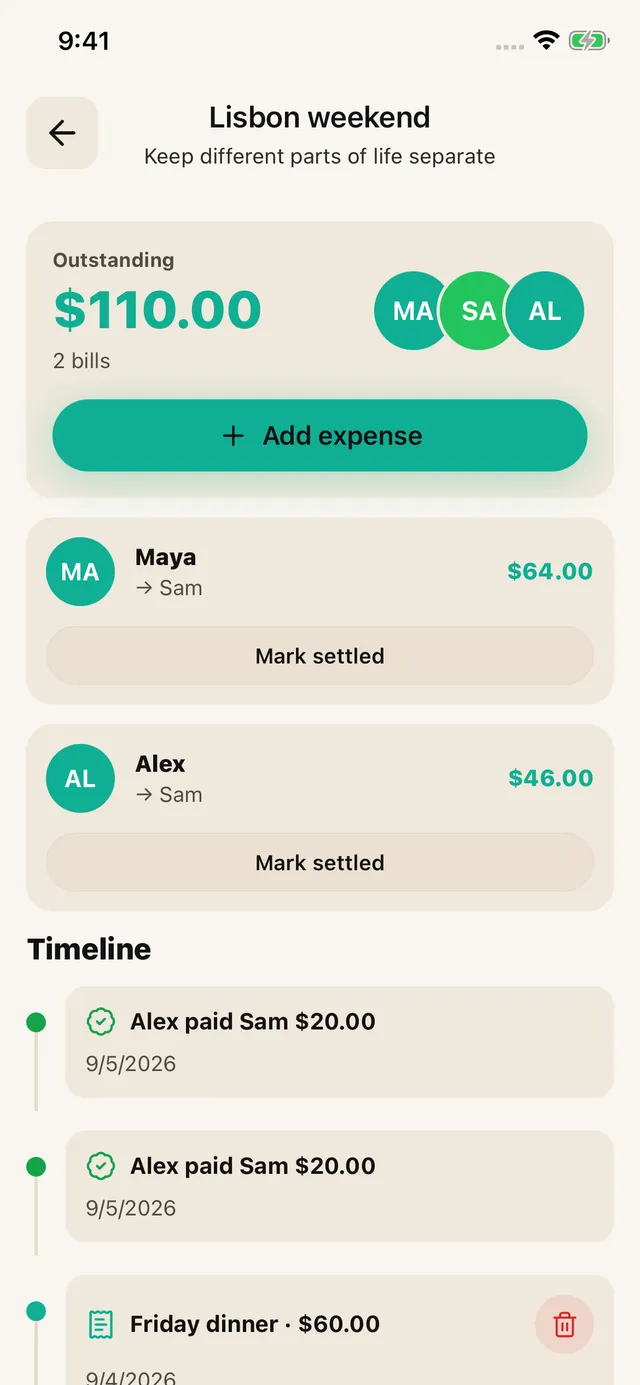
Yes. Keep related bills in a private expense group, record who paid, and review suggested repayments for each currency. Record partial settlements after the money arrives. Friends can read shared breakdowns; They do not edit your group. Bill history stays on your device.