The App That Scans Receipts and Splits Bills for You
An app that scans receipts and splits bills for you: snap a photo, AI extracts the line items, you drag each one to a person, tax and tip prorate automatically.
Here’s the moment this feature exists for: a $340 receipt, thirty line items, two shared appetizers, a bottle of wine that only three of the eight people at the table drank, and everyone staring at their phones waiting for someone else to do the math. An app that scans receipts and splits bills for you turns that ten-minute standoff into something you finish before the waiter comes back with the card machine.
The workflow is simple enough that it’s almost anticlimactic once you’ve done it once: snap a photo of the receipt, AI extracts every line item, you drag each item to whoever ordered it, and tax and tip get prorated across the group automatically. No typing, no calculator, no “wait, what did you get again?”
How the Scan-to-Split Workflow Actually Works
Snap the photo. Just the receipt, decent lighting, doesn’t need to be perfectly flat. This is the same photo you’d take for an expense report, nothing special required.
AI extracts the line items. This is the part that used to be manual. Instead of you typing “Caesar salad — $14, Ribeye — $42, IPA x2 — $16,” the app reads the receipt and pulls out each item with its price. For a 30-line receipt this takes seconds, not the ten minutes it’d take a human to type it all out correctly.
Drag each item to a person. Once the items are extracted, you assign them. Tap or drag the ribeye to whoever ordered it. For shared items — the appetizers, the bottle of wine — you assign them to multiple people at once, and the app splits that specific item’s cost across just those people, not everyone at the table.
Tax and tip prorate automatically. This is the step people forget to do by hand, and it’s the one that actually matters for fairness. If the ribeye person’s share of the subtotal is 22%, they owe 22% of the tax and 22% of the tip too — not an even split of tax and tip while items are itemized. Get this wrong and the person who drank tap water ends up subsidizing someone else’s cocktail tax.
Share the summary. Everyone gets a clear breakdown of exactly what they owe and why, so nobody’s questioning the math after the fact.
That five-step loop is exactly what SPLIIT does — if the $340-receipt standoff sounds like your last group dinner, the scan-and-drag flow is free to try on iOS and Android.
A Concrete 30-Line Receipt
Picture a group of six at a restaurant tab totaling $340: eight entrees and appetizers across the table (some people got two courses), two shared calamari appetizers at $16 each, a $58 bottle of wine split among three of the six people, and $30.60 tax plus $61 tip (18%) on top.
Scanning the receipt pulls out all thirty-ish lines instantly. You assign each entree to its owner. The calamari gets assigned to whoever actually ate it — say four of the six people, splitting $32 four ways ($8 each). The wine gets assigned to the three who drank it, splitting $58 three ways (about $19.33 each). Everyone’s subtotal now reflects exactly what they consumed, including their fair share of anything shared.
Then tax and tip prorate proportionally to each person’s subtotal share. Someone whose subtotal came to $45 out of the $340 total (about 13.2%) owes roughly 13.2% of the $30.60 tax ($4.05) and 13.2% of the $61 tip ($8.05) — landing at roughly $57 total. Someone who ordered a $70 steak plus wine and calamari, with a subtotal closer to $97 (about 28.5%), owes proportionally more tax and tip too, landing closer to $124. That’s the entire point: the math scales with what each person actually consumed, automatically, instead of everyone eating an even eighteen-percent tip on someone else’s steak.
The Honest Con: OCR Isn’t Perfect
Worth saying plainly since most posts about this feature don’t: receipt scanning is genuinely good, but it’s not flawless. Faded thermal paper — the kind that’s been in someone’s pocket for twenty minutes, or a receipt from a printer running low on ink — sometimes gets misread. A price might come through as $1.4 instead of $14, or a line item name gets garbled. It doesn’t happen often, but often enough that you should glance at the extracted items before confirming, not blindly trust the scan. Fixing a misread line takes five seconds — tap it, correct the number — but it’s a step, not a guarantee of zero-touch accuracy.
For crisp printed receipts, which is most of them, the extraction is close to instant and close to perfect. It’s specifically the crumpled, faded, or handwritten receipts where you should expect to double-check a line or two.
A Note on Receipt Privacy
A receipt quietly reveals where you were and when, so it’s worth knowing what an app does with the photo. In SPLIIT Pro the image is used to extract line items and isn’t kept on a server afterward — the split lives on your device unless you choose to share the summary, and what you share is a plain-text breakdown of who owes what rather than the underlying image. Any scanning app you try is worth checking on this point specifically.
Why This Matters More Than It Sounds
The alternative to scanning isn’t usually “someone itemizes it perfectly by hand.” It’s “the group gives up and splits evenly,” which quietly overcharges anyone who ordered less and undercharges anyone who ordered more. We’ve written before about how to split a restaurant bill fairly without an app, and the honest truth is manual itemizing works fine for a table of four — it falls apart at a table of ten, which is exactly when receipt scanning starts paying for itself in time saved.
If you’re the one who always ends up squinting at the receipt doing the tax math in your head while everyone else finishes their coffee, SPLIIT can scan it and split it by the time the check gets picked up — it’s free on iOS and Android.
Where Else This Workflow Helps
Restaurant bills are the obvious case, but the same scan-drag-prorate workflow works for any itemized receipt a group needs to split — a big grocery run with roommates where not everyone bought the same items, or a Costco trip where one person’s bulk toilet paper shouldn’t be split evenly with someone who didn’t need any.
If you’re deciding whether an app with this kind of AI-assisted splitting is worth adding to your group’s routine at all, versus sticking with manual math or a simpler app, see how SPLIIT Pro compares to Splitwise — including where each one is the better call. For most groups past four people, the time saved on a single messy receipt covers the cost of learning a new app in the first use.
Next time the check drops with thirty line items on it, try scanning it before anyone reaches for a calculator. The math finishes before the conversation about splitting it even starts.
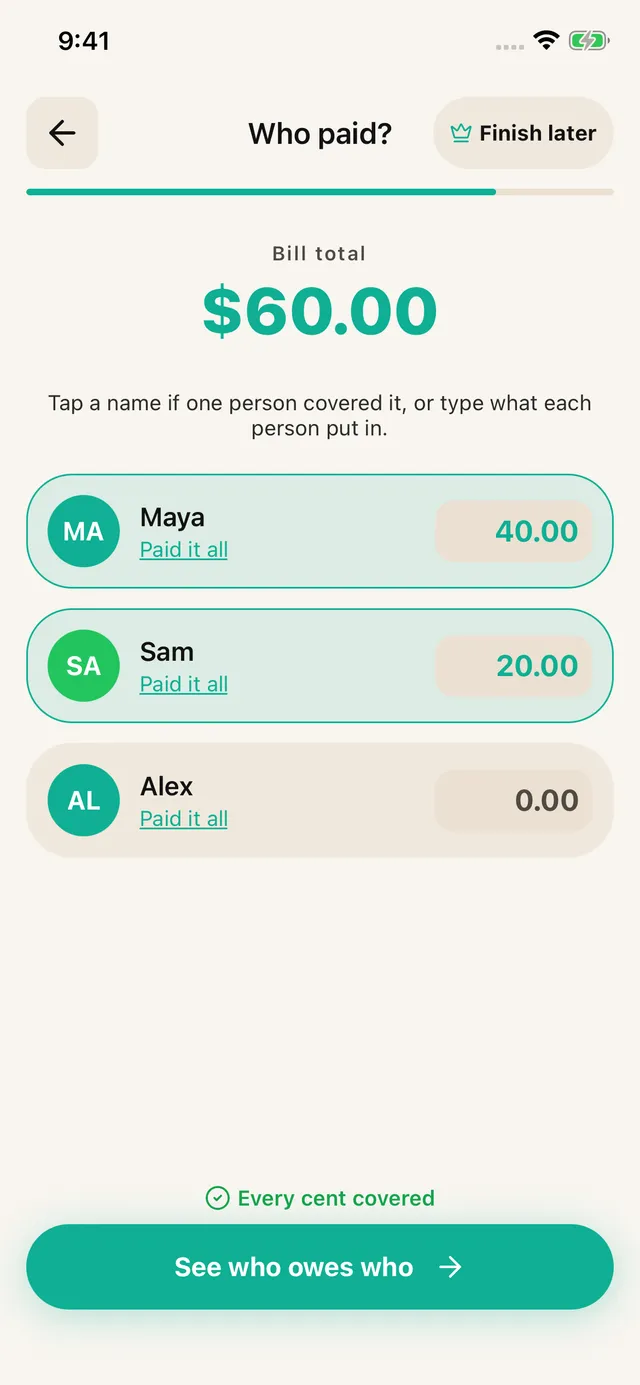
SPLIIT Pro: Assign the salad to you and the steak to the people who ate it. Share the appetizer only with those who joined in. Enter who covered the check, then share the suggested repayments. The app calculates; It does not move money.
Frequently asked questions
Is there an app that scans a receipt and splits the bill automatically?
Yes. SPLIIT Pro photographs a receipt, uses AI to extract every line item, tax, and service fee, then lets you drag each person onto what they ordered. Tax and tip prorate proportionally to each person's items. It's free on iOS and Android, with no sign-up required.
Does receipt scanning work with digital receipts?
Yes, and often better than paper. Screenshot an email receipt, a delivery order confirmation, or a hotel folio and the scan reads it fine — screens don't fade or crumple. For a group delivery order, screenshotting the confirmation is usually faster than handling a paper slip.
What happens to my receipt photos after scanning?
The image is used to extract line items and isn't kept on a server afterward. The split lives on your device unless you choose to share the summary, and what you share is a plain-text breakdown of who owes what — not the receipt image itself.
How accurate is AI receipt scanning?
Accurate on clear printed receipts, less so on faded, crumpled, or handwritten ones. Treat it as a first pass rather than a final answer: glance at the extracted line items and correct any that look wrong before assigning them. That check takes a few seconds and still beats typing 30 lines by hand.
Do the other people need the app to get their share?
No. You scan and split on your phone, then share an itemized breakdown as plain text over WhatsApp, iMessage, or email. Everyone else just reads what they owe, so nobody has to install anything or create an account.