01
Scan, then check
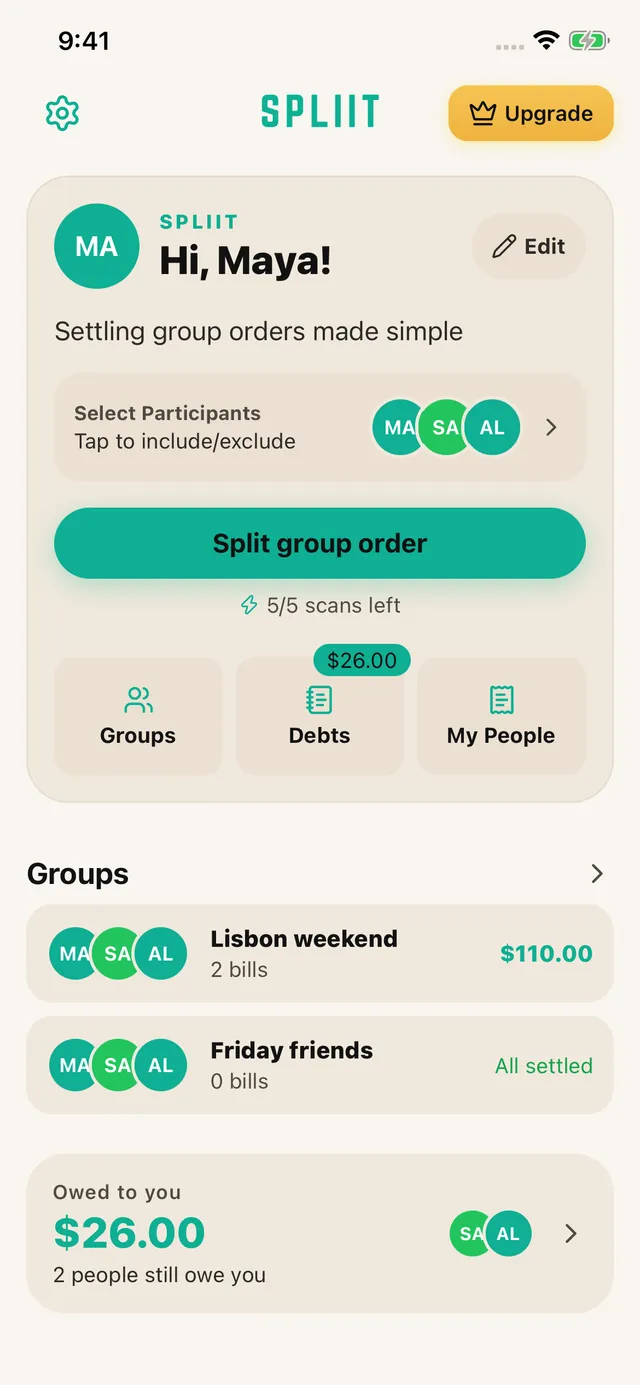
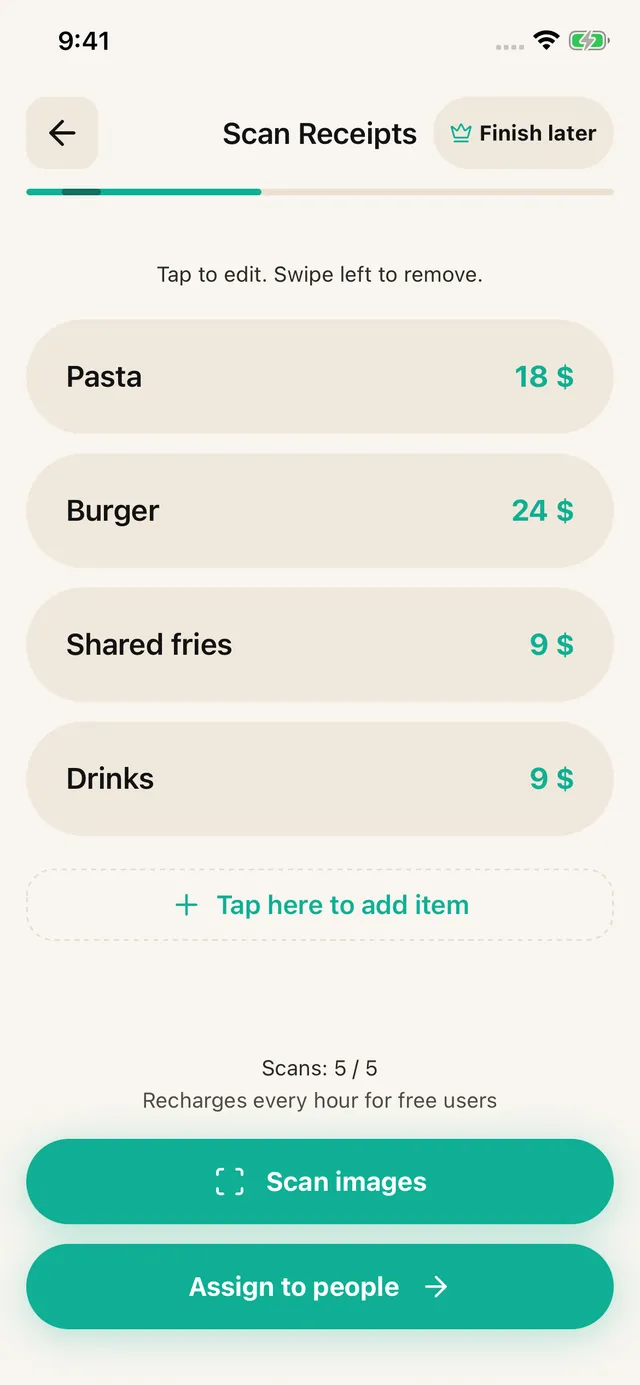
Choose your people and photograph a receipt or upload a screenshot. Review the extracted items, prices, discounts and fees. Correct anything the scan missed, or enter the items yourself.
Bill splitting app · iOS & Android · No sign-up
Photograph the check, tap who had what, and send everyone their number. SPLIIT Pro does the tax and tip math per person, so the one who ordered a salad stops paying for someone else’s steak.
How it works
Choose your people and photograph a receipt or upload a screenshot. Review the extracted items, prices, discounts and fees. Correct anything the scan missed, or enter the items yourself.
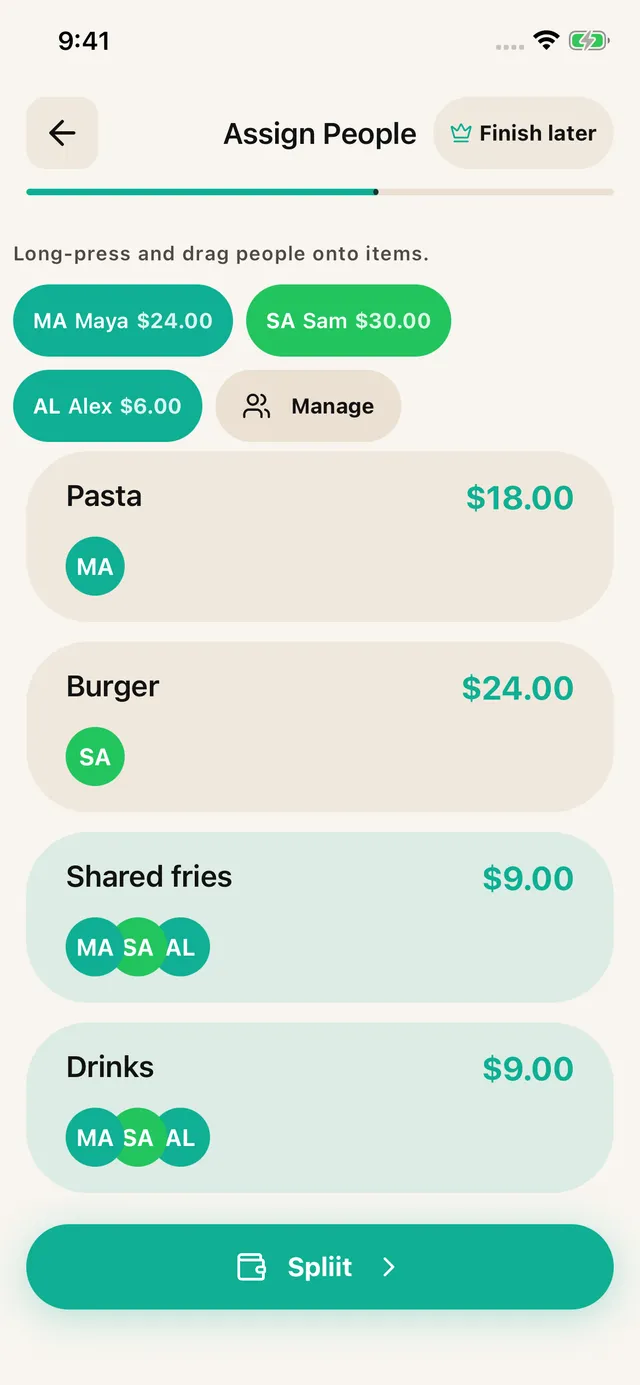
Assign each item to the people who shared it. Split a shared dish across just those diners; distribute tax, tip and service fees proportionally.

Share an itemized breakdown through WhatsApp, Messages or another app. Friends can read it without installing SPLIIT Pro. Pay each other using your usual method.
Built for shared expenses
For the friend doing the maths, the house sharing groceries, and the group booking a weekend away.
1.3.11.3.1 is available on the App Store and Google Play.
Assign the salad to you and the steak to the people who ate it. Share the appetizer only with those who joined in.
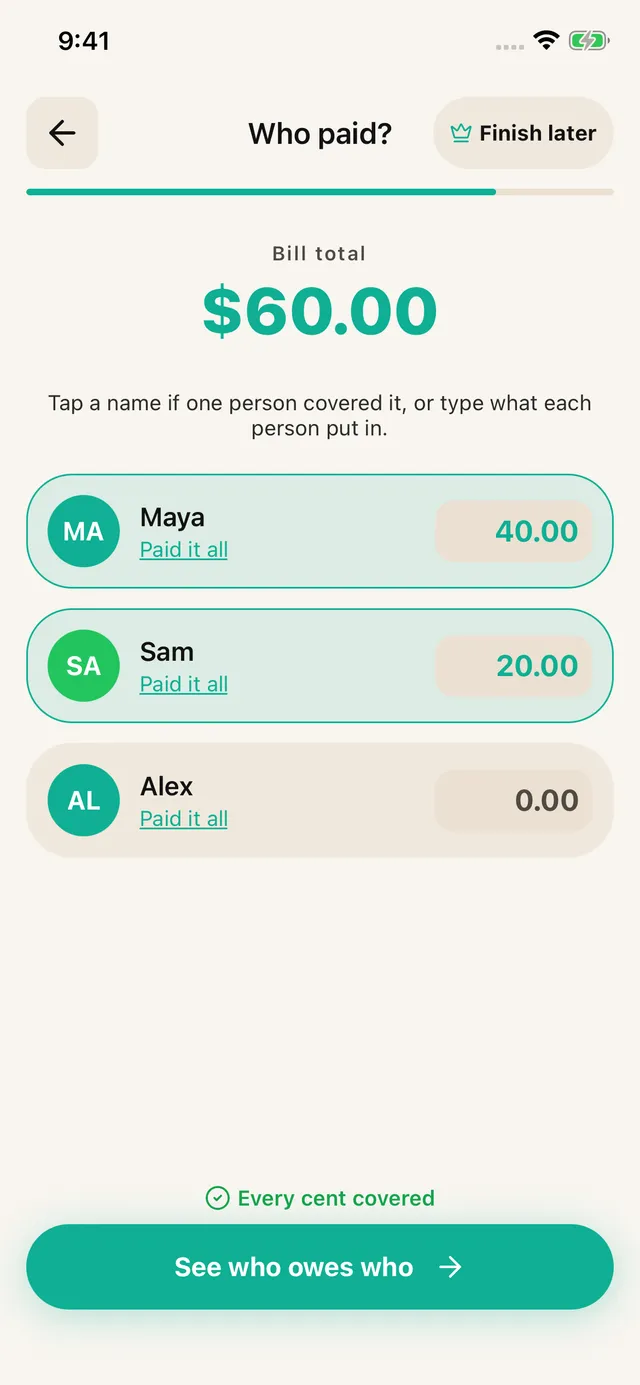
Enter who covered the check, then share the suggested repayments. The app calculates; it does not move money.
See how it fitsKeep a trip, a home or a night out in its own expense history. Groups are private to your account, with shareable breakdowns.
See eligible unpaid shares and record partial repayments. Group settlements stay in the group.
Save a draft from item review, assignment or payer entry and resume from Home.
The free tier allows 7 saved contacts plus you and 3 groups. Scans refill over time. Pro removes ads and adds unlimited scans, contacts and groups, plus drafts. Past transactions remain readable for everyone.
What it actually does
Here is a real check split the way the app does it. Four people, one shared bottle of water, and an even split that would have cost the lightest eater $13.70 more than he owed.
The check
Total$157.87
What each person owes
Tax and tip are spread in proportion to what each person ordered, not divided by head. The four shares add back to $157.87 exactly.
Where people use it
The check arrives, nobody wants to do arithmetic, and one person always eats least and pays most.
Groceries, utilities, the shared streaming plan. Split by what each person actually used.
Hotels, fuel, tickets, meals across a week. Scan as you go instead of reconstructing it at the airport.
One person pays the deposit, five people owe a piece of it. Keep the record in one place.
Before you download
In 1.3.1, the free tier allows 7 saved contacts plus you and 3 groups. Scans refill over time. Pro removes ads and adds unlimited scans, contacts and groups, plus drafts. Past transactions remain readable for everyone.
No. Open the app and start splitting. There is no email, no password, and no profile to set up. The people you split with do not need the app either, because their totals arrive as ordinary text they can read anywhere.
Yes, on both. SPLIIT Pro is a native app on the App Store and Google Play, and the splitting works the same on either. Mixed groups are normal, and nobody needs to match the phone the organiser is using.
Keep expenses and repayments separate for each currency within the group. SPLIIT Pro reads the currency on a receipt but does not convert exchange rates or combine different currencies into one amount.
You can edit any line before you split. Faded thermal paper and handwriting are the usual culprits, so the totals are worth a glance. Fixing a price takes a tap, and everything downstream recalculates from the corrected number.
Free to start, no account, and your friends do not need to install anything to see what they owe.
Available on iOS and Android.