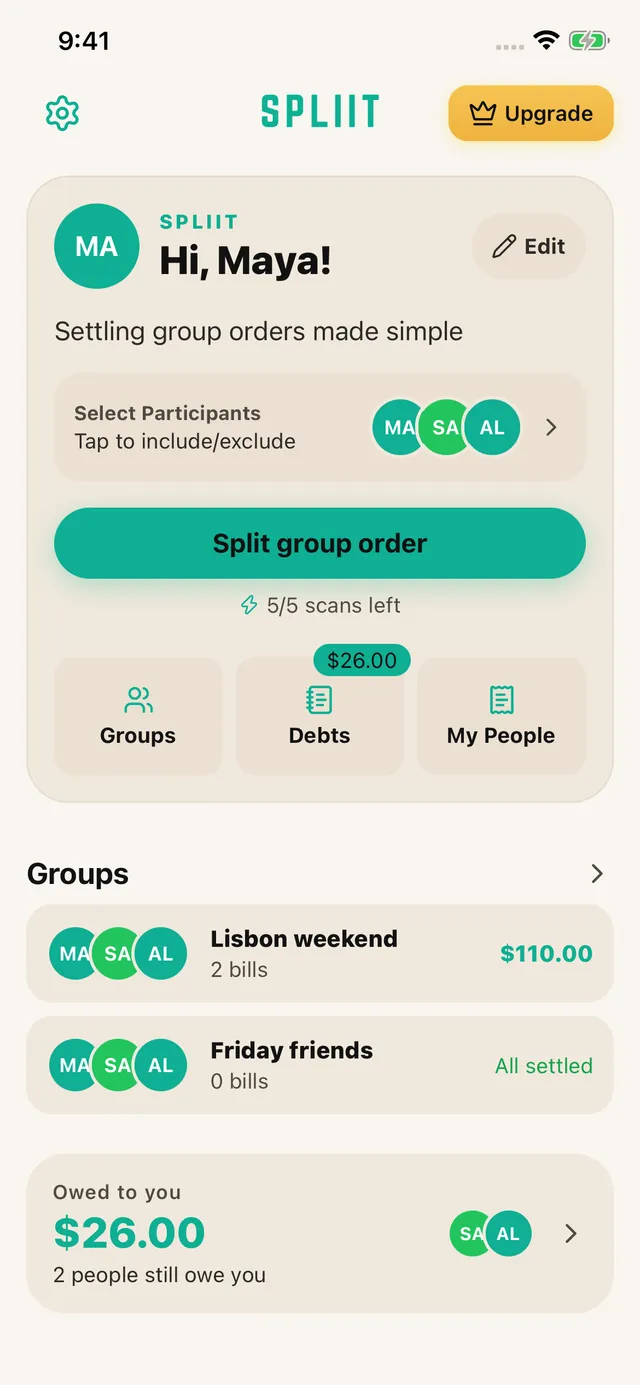
01
Scan, then check
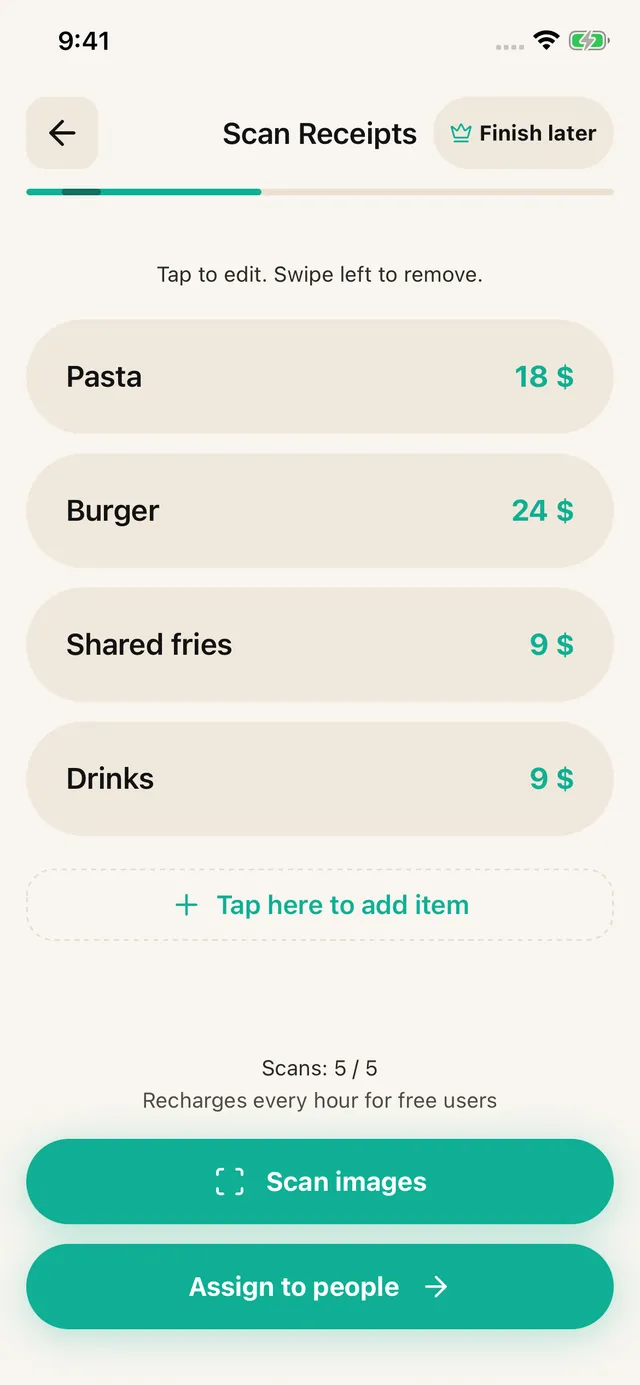
Choose your people and photograph a receipt or upload a screenshot. Review the extracted items, prices, discounts and fees. Correct anything the scan missed, or enter the items yourself.
Receipt scanning · iOS & Android · No sign-up
Point the camera at the paper. Every line, price, and fee comes out as text you can tap, so a grocery run with three names on it stops being a spreadsheet job.
How it works
Choose your people and photograph a receipt or upload a screenshot. Review the extracted items, prices, discounts and fees. Correct anything the scan missed, or enter the items yourself.
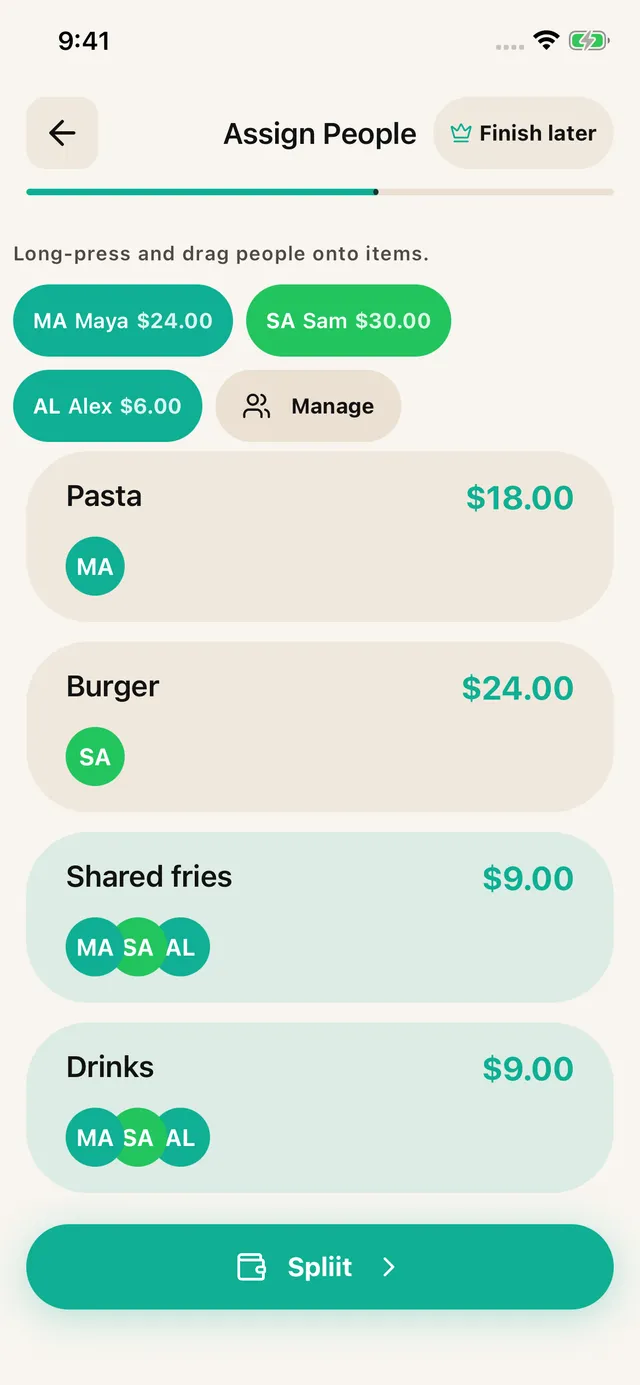
Assign each item to the people who shared it. Split a shared dish across just those diners; distribute tax, tip and service fees proportionally.

Share an itemized breakdown through WhatsApp, Messages or another app. Friends can read it without installing SPLIIT Pro. Pay each other using your usual method.
Built for shared expenses
For the friend doing the maths, the house sharing groceries, and the group booking a weekend away.
1.3.11.3.1 is available on the App Store and Google Play.
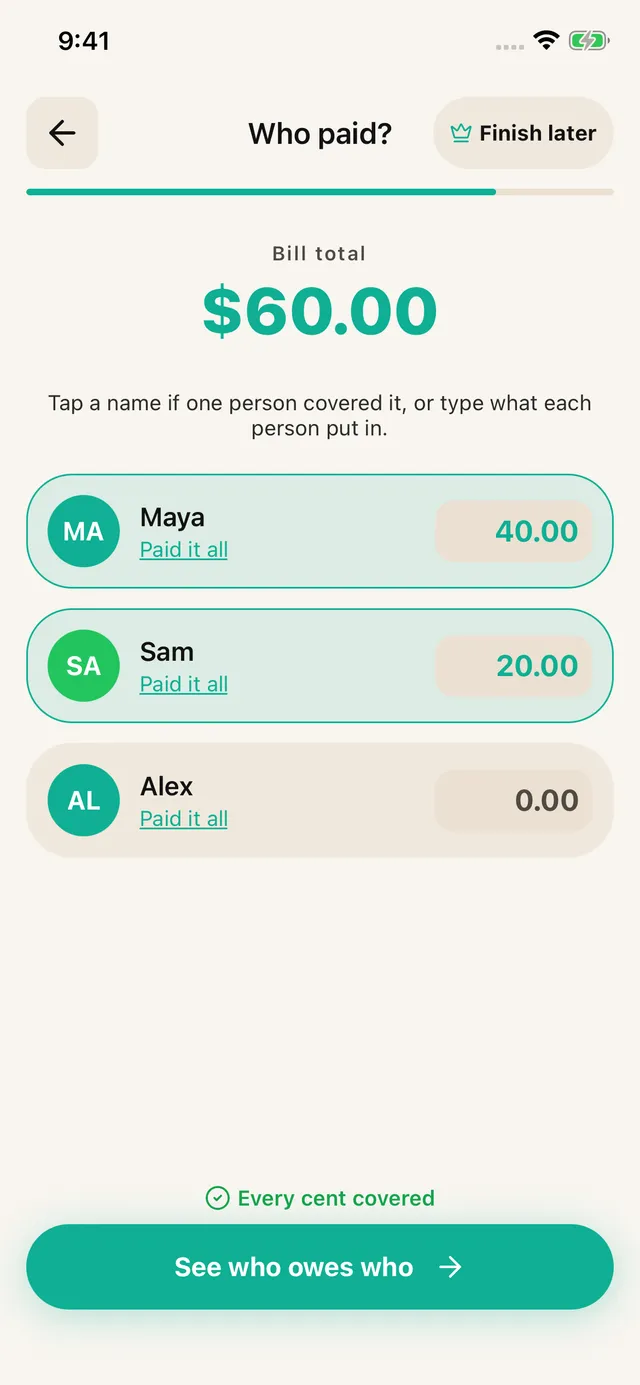
Upload the delivery screenshot and check the final discounts and fee lines. Assign each meal and any shared sides.
Share the itemized amounts. Record the payer and use collection reminders to check unpaid shares later. Reminders come to you.
See how it fitsKeep a trip, a home or a night out in its own expense history. Groups are private to your account, with shareable breakdowns.
See eligible unpaid shares and record partial repayments. Group settlements stay in the group.
Save a draft from item review, assignment or payer entry and resume from Home.
The free tier allows 7 saved contacts plus you and 3 groups. Scans refill over time. Pro removes ads and adds unlimited scans, contacts and groups, plus drafts. Past transactions remain readable for everyone.
A real scan
Shared groceries are where even splits go wrong fastest, because half the basket belongs to one person. Here is the same receipt after scanning, with the shared items divided and the personal ones assigned.
Scanned from the receipt
Total$72.09
What each flatmate owes
The five shared items come to $29.20 and divide three ways. Everything else lands on one person. The three shares add back to $72.09.
What it reads
Forty items on a metre of thermal paper. Take more than one photo and they join into a single split.
The kind you get at a small restaurant or a market stall, where the total is scrawled at the bottom.
Any currency symbol, any decimal convention. It reads what is printed rather than assuming a format.
The ones that have been in a pocket all day. Check the totals, fix any line with a tap.
Agree the rule first, then enter the calculated amounts and actual payer in SPLIIT Pro. Assign each amount to the relevant people and review the total before sharing the breakdown. The private expense group keeps related bills and recorded partial repayments together. Friends can read shared breakdowns without installing the app; they do not edit your group. Transfer money through another method and record repayment only after it arrives.
These are illustrative units, not current prices. Use the actual bill, currency and agreement; the calculation is explained here, not promised as an automatic feature. Scanning needs a connection and review. The app is free to start with usage limits; Pro adds capacity and removes ads.
Before you download
Yes. Photograph the receipt and the line items come out as editable text, then you assign each one to a person. The arithmetic, including shared items and any service charge, happens after that. No typing prices in by hand.
Up to five for a single split, which covers a long supermarket roll photographed in sections, or a table that ran up drinks on a separate tab. They merge into one itemised list before anyone gets assigned.
The image is processed so the items can be read, and the split itself lives on your device. Nothing is posted anywhere for other people to see. The summary you send out is plain text, not the photograph.
AI receipt scanning needs an internet connection. Plan to scan while you have signal; SPLIIT Pro is not a fully offline receipt tool.
Those come through as their own lines and spread across everyone in proportion to what they ordered. A loyalty discount reduces each share by the same proportion, so nobody has to argue about who the discount belonged to.
Free to start, no account, and the totals go out as plain text anyone can read.
Available on iOS and Android.