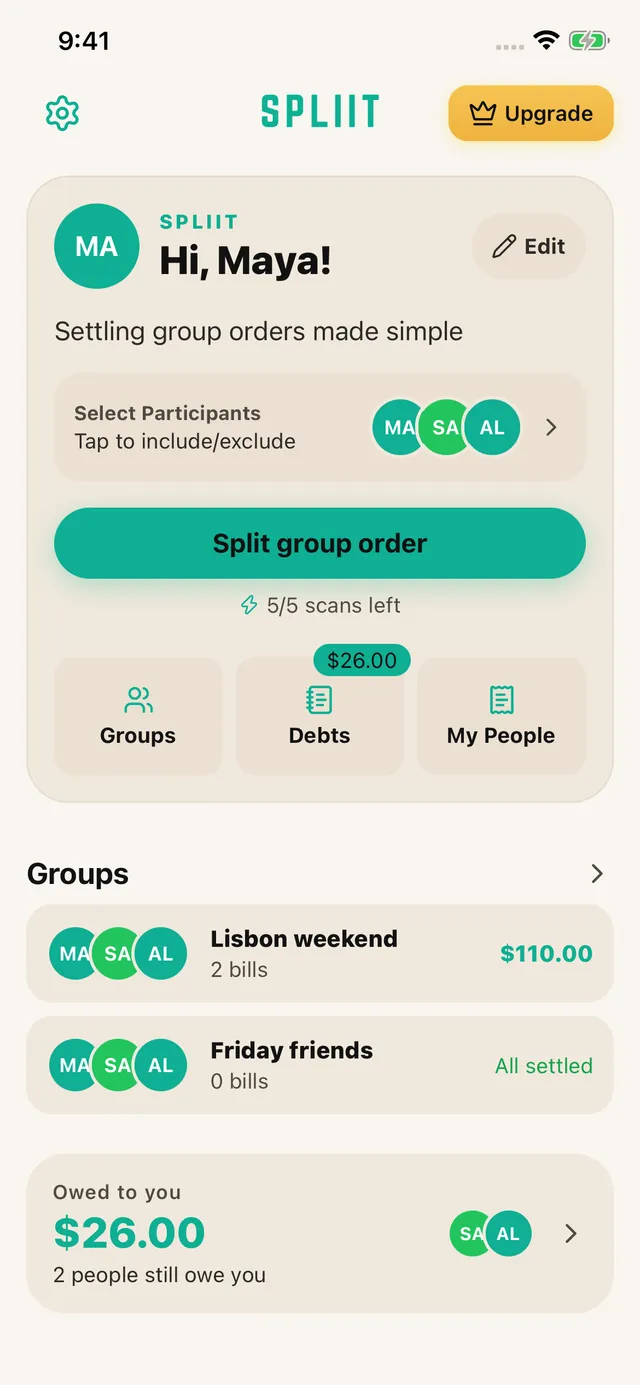
01
Scan, then check
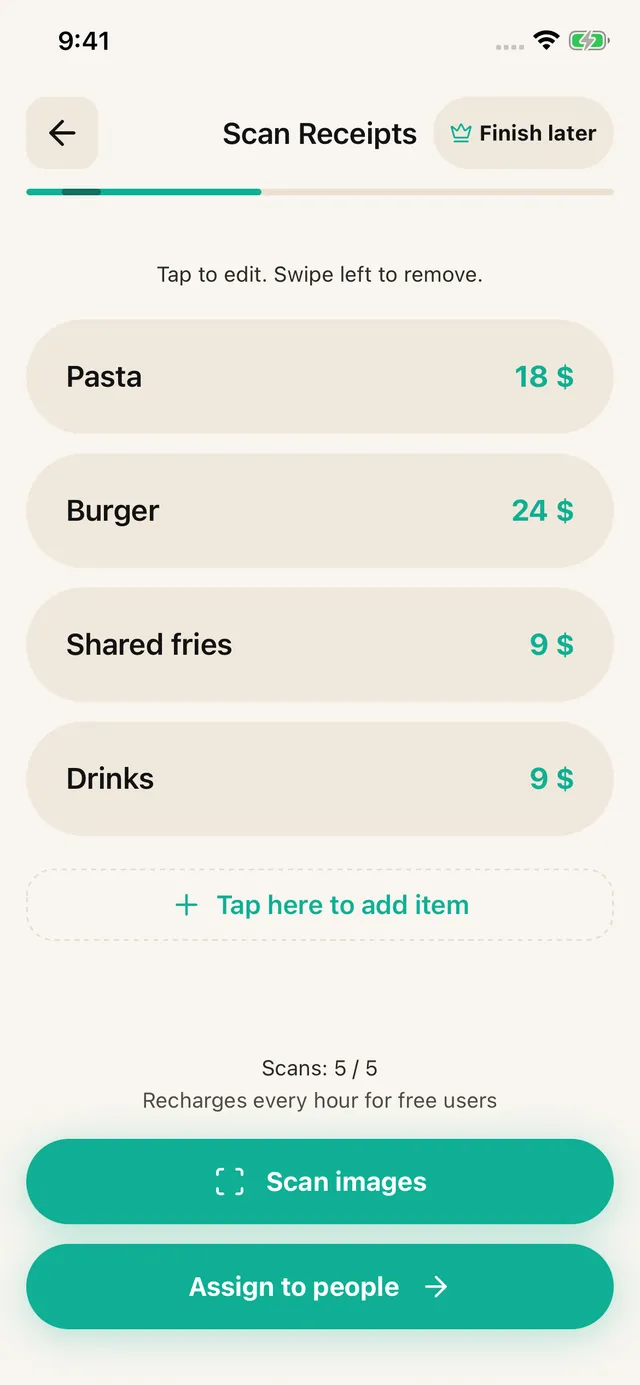
Choose your people and photograph a receipt or upload a screenshot. Review the extracted items, prices, discounts and fees. Correct anything the scan missed, or enter the items yourself.
Free to use · iOS & Android · No sign-up
Splitting a bill costs nothing, and there is no account to create before you can do it. The paid tier exists, but everyday splitting is not what it is for.
How it works
Choose your people and photograph a receipt or upload a screenshot. Review the extracted items, prices, discounts and fees. Correct anything the scan missed, or enter the items yourself.
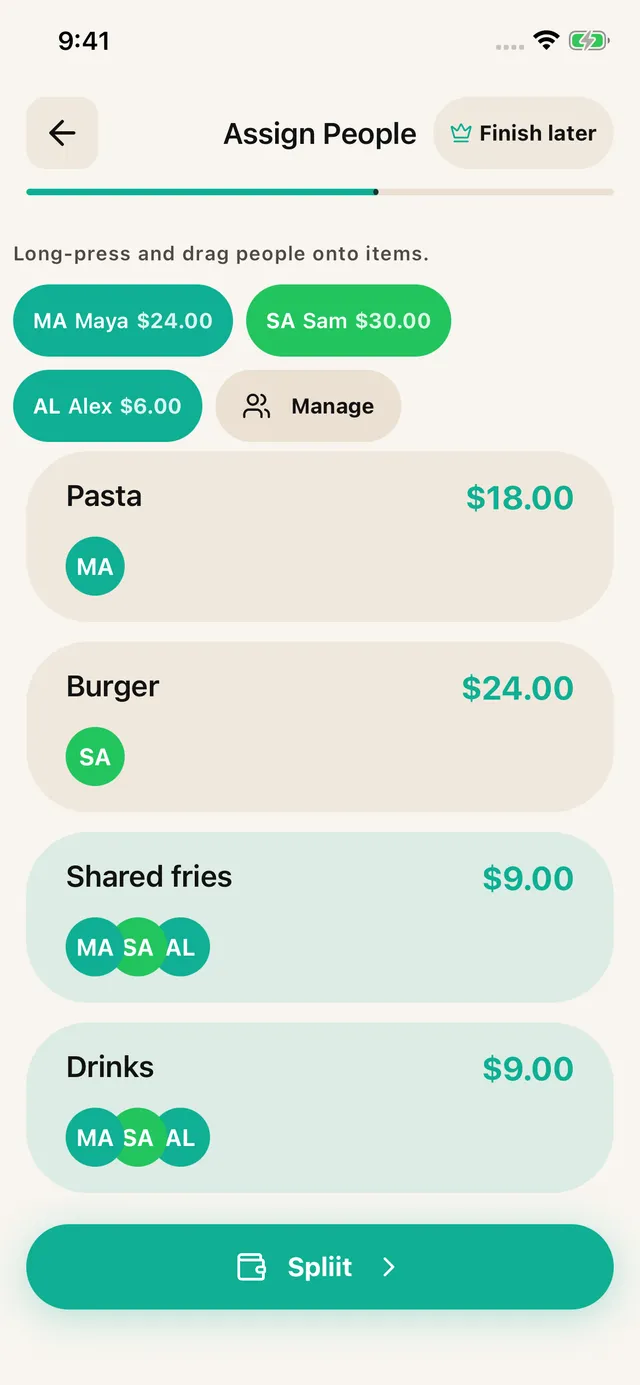
Assign each item to the people who shared it. Split a shared dish across just those diners; distribute tax, tip and service fees proportionally.

Share an itemized breakdown through WhatsApp, Messages or another app. Friends can read it without installing SPLIIT Pro. Pay each other using your usual method.
Built for shared expenses
For the friend doing the maths, the house sharing groceries, and the group booking a weekend away.
1.3.11.3.1 is available on the App Store and Google Play.
Assign the salad to you and the steak to the people who ate it. Share the appetizer only with those who joined in.
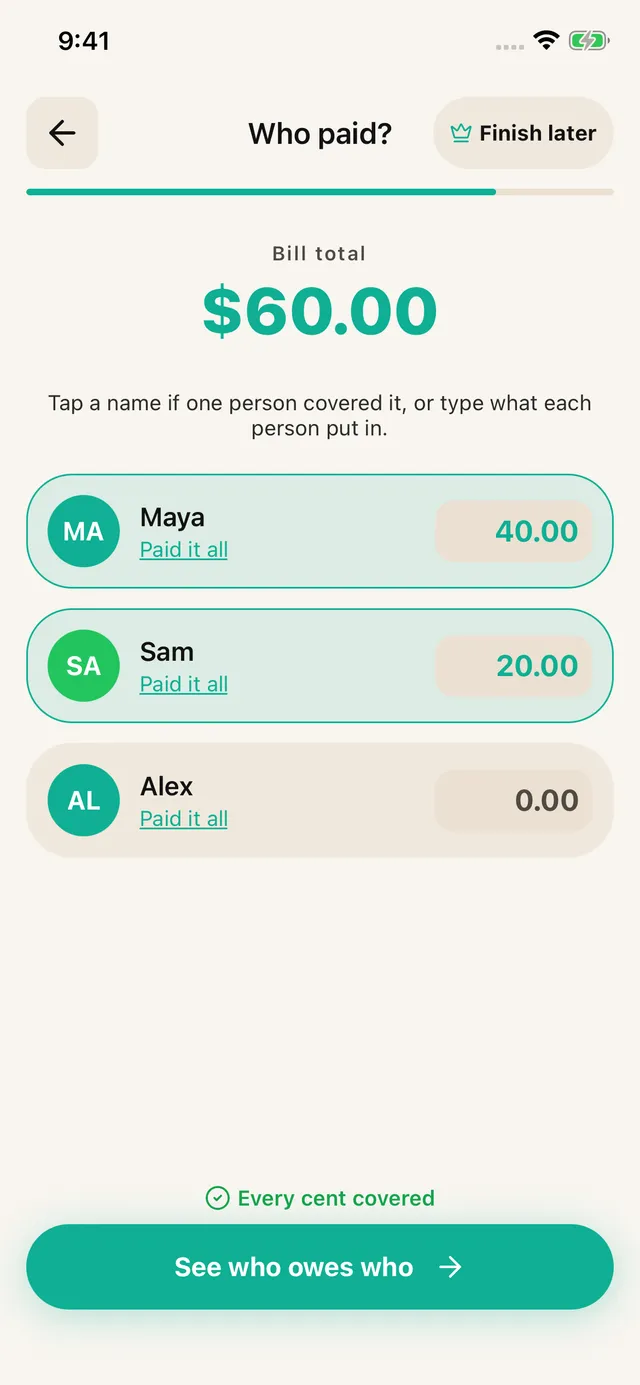
Enter who covered the check, then share the suggested repayments. The app calculates; it does not move money.
See how it fitsKeep a trip, a home or a night out in its own expense history. Groups are private to your account, with shareable breakdowns.
See eligible unpaid shares and record partial repayments. Group settlements stay in the group.
Save a draft from item review, assignment or payer entry and resume from Home.
The free tier allows 7 saved contacts plus you and 3 groups. Scans refill over time. Pro removes ads and adds unlimited scans, contacts and groups, plus drafts. Past transactions remain readable for everyone.
What free covers
Group size is the usual worry with a free tier. Here is a table of six where the birthday person is being treated, so five people cover the whole bill including her meal.
The bill
Total$229.00
What the five paying owe
The birthday person is left off every line, and the other five absorb her meal between them. Nothing in this split needs a paid tier. The five shares add back to $229.
What costs nothing
The free tier includes a participant allowance. Pro removes that cap for larger groups.
Everyone gets their itemised share as a message. No per-person charge and nothing for them to buy.
Tax, tip, service charges and shared items are all handled on the free tier, not held back as a feature.
There is no account, so there is nothing to cancel and no email to unsubscribe from later.
The honest version
In 1.3.1, the free tier allows 7 saved contacts plus you and 3 groups. Scans refill over time. Pro removes ads and adds unlimited scans, contacts and groups, plus drafts. Past transactions remain readable for everyone.
In 1.3.1, the free tier allows 7 saved contacts plus you and 3 groups. Scans refill over time. Pro removes ads and adds unlimited scans, contacts and groups, plus drafts. Past transactions remain readable for everyone.
The free tier is ad-supported, so you will see advertising in the app. Ads do not appear inside the summary you send out, so the people receiving their share get plain text without anything attached to it.
No. They receive a message with their itemised total and never install the app, create an account, or pay. Only the person doing the splitting uses the app at all, which is the whole point of sending plain text.
No. Declining the upgrade leaves the free tier working as it did. The prompt appears where the paid tier would help, which is high scan volume, and dismissing it does not reduce what you already had.
No account, no subscription for everyday splitting, and nothing to cancel if you stop using it.
Available on iOS and Android.