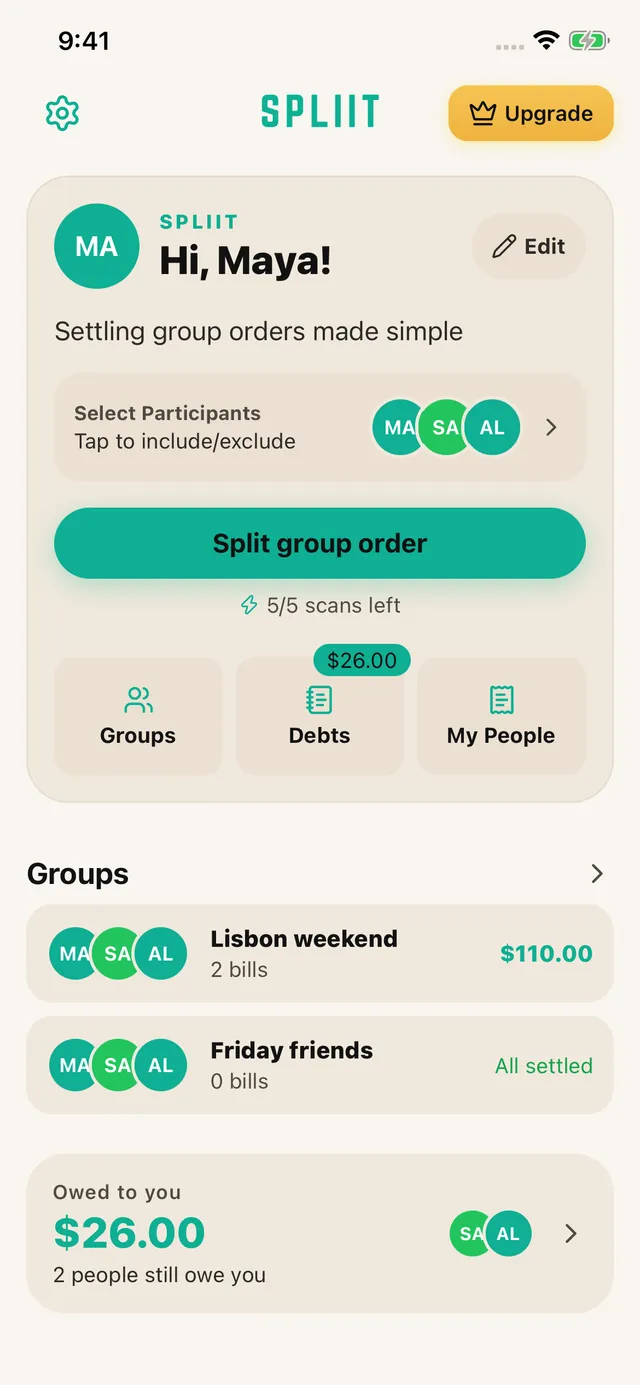
01
Scan, then check
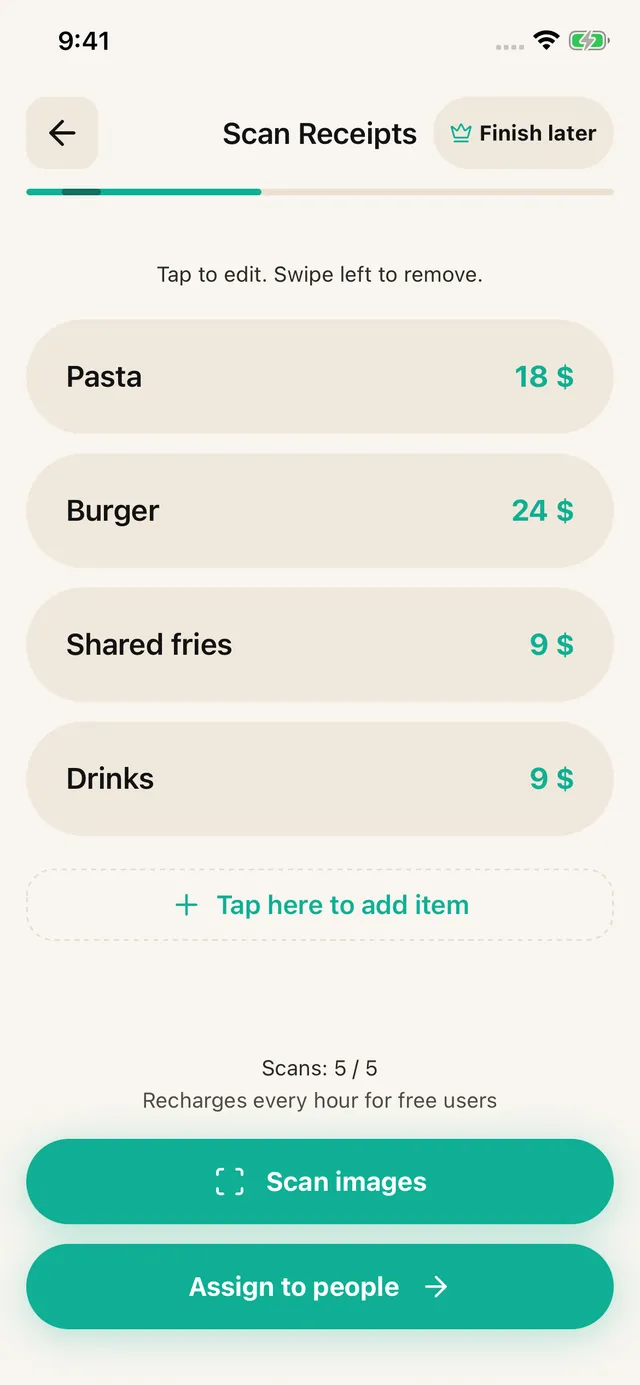
Choose your people and photograph a receipt or upload a screenshot. Review the extracted items, prices, discounts and fees. Correct anything the scan missed, or enter the items yourself.
Shared households · iOS & Android · No sign-up
Rent rarely divides evenly when one bedroom is twice the size of another, but the electricity does. Handle both in the same month and stop rebuilding the maths every time a bill lands.
How it works
Choose your people and photograph a receipt or upload a screenshot. Review the extracted items, prices, discounts and fees. Correct anything the scan missed, or enter the items yourself.
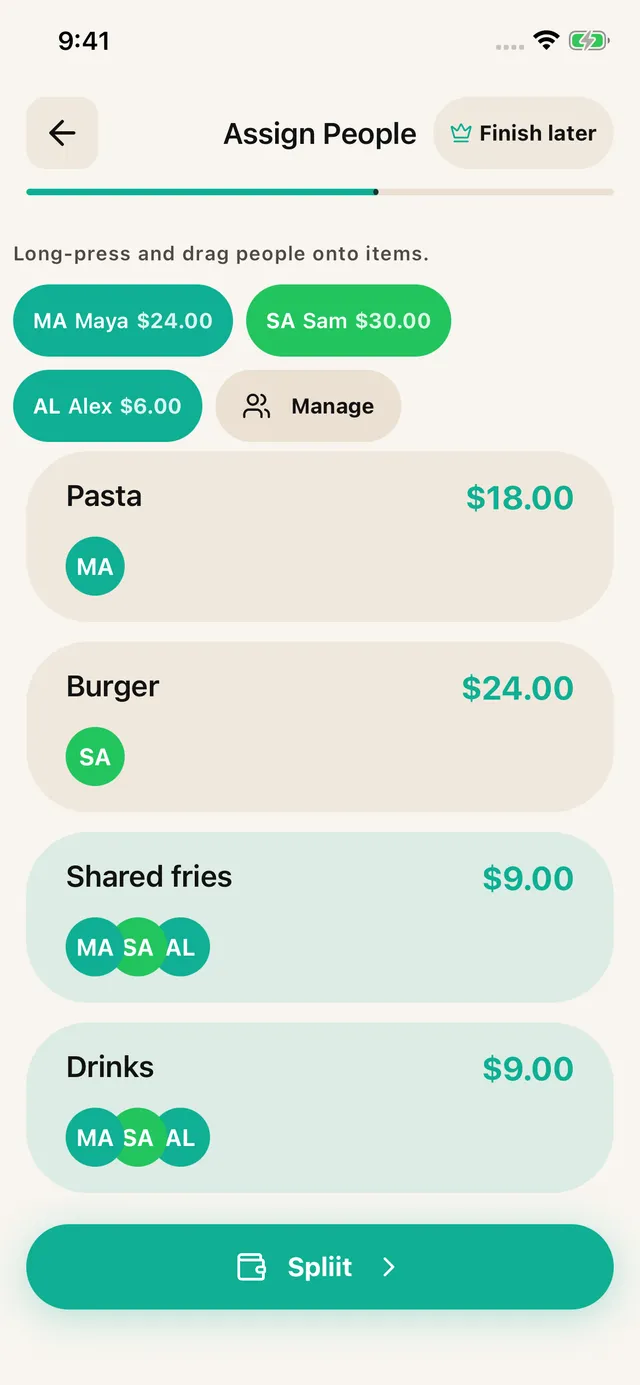
Assign each item to the people who shared it. Split a shared dish across just those diners; distribute tax, tip and service fees proportionally.

Share an itemized breakdown through WhatsApp, Messages or another app. Friends can read it without installing SPLIIT Pro. Pay each other using your usual method.
Built for shared expenses
For the friend doing the maths, the house sharing groceries, and the group booking a weekend away.
1.3.11.3.1 is available on the App Store and Google Play.
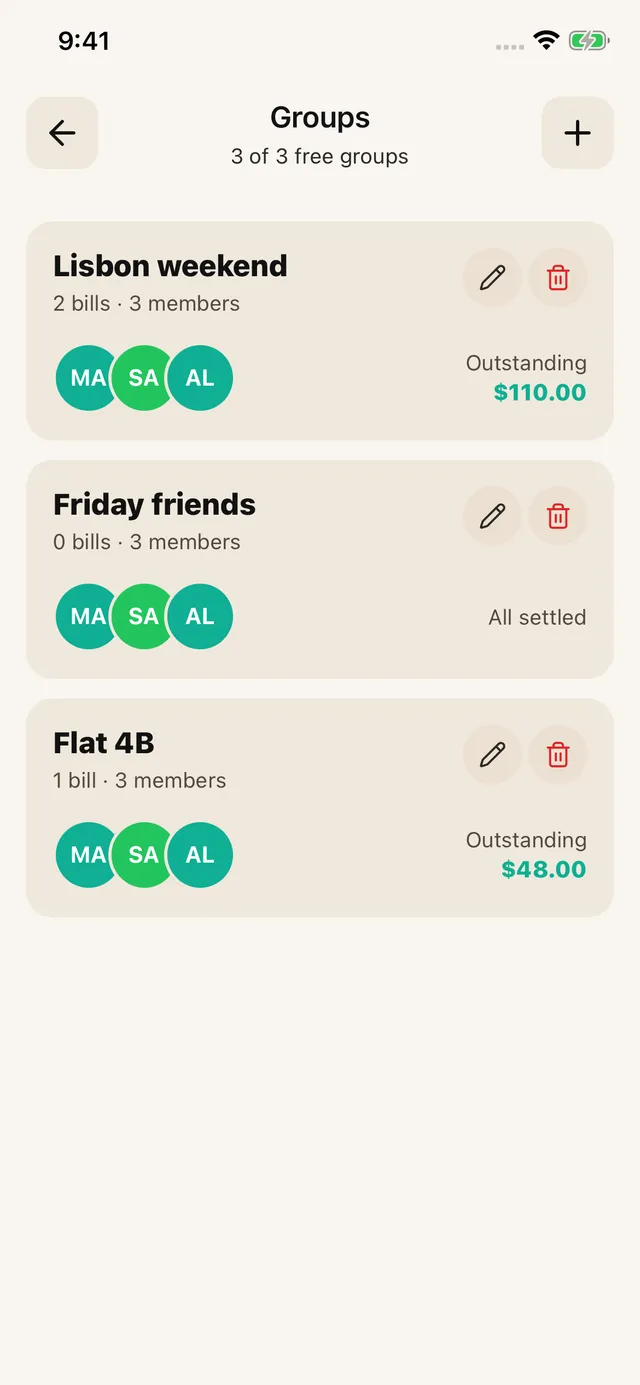
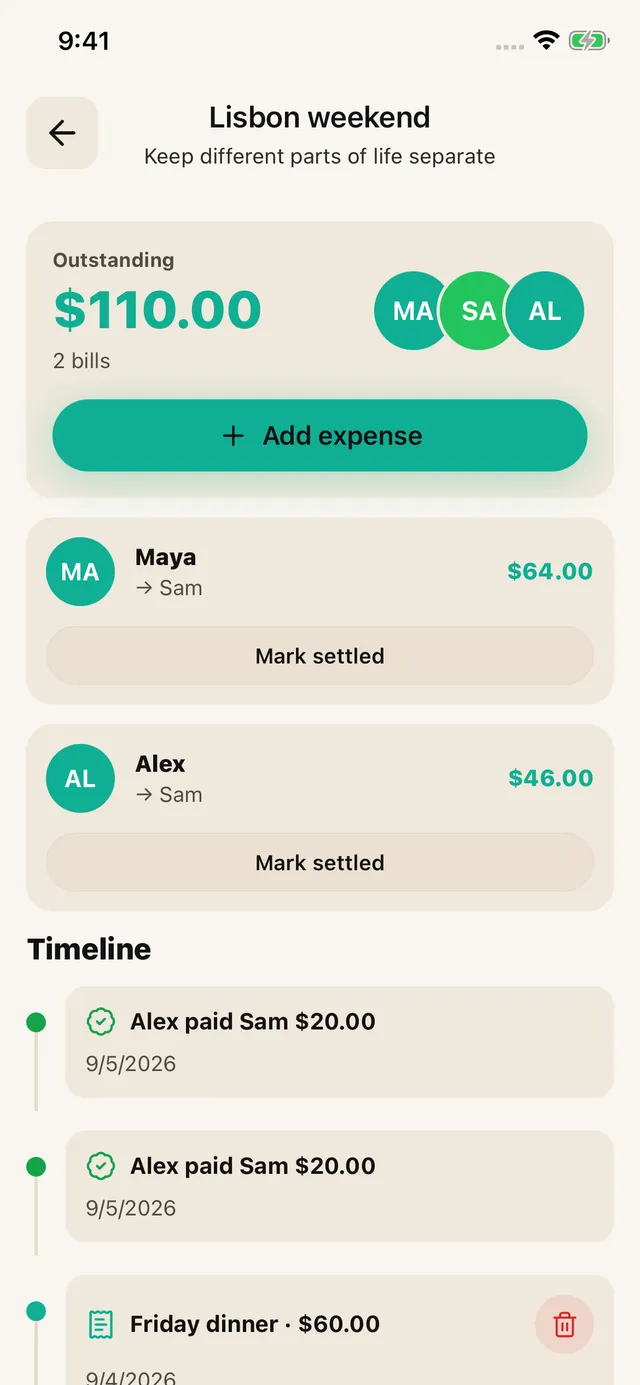
Assign household items to the household and personal items to their owner. Keep home expenses together in a roommate group.
Record a partial repayment in the group, or use Debts for eligible ungrouped bills you paid. Add each new bill yourself; Expenses are not created automatically.
See how it fitsKeep a trip, a home or a night out in its own expense history. Groups are private to your account, with shareable breakdowns.
See eligible unpaid shares and record partial repayments. Group settlements stay in the group.
Save a draft from item review, assignment or payer entry and resume from Home.
The free tier allows 7 saved contacts plus you and 3 groups. Scans refill over time. Pro removes ads and adds unlimited scans, contacts and groups, plus drafts. Past transactions remain readable for everyone.
One month in a shared flat
The rent is split by room size and everything else is split evenly, which is the arrangement most shared houses land on. Here is what that produces in a single month.
The month
Total for the month$2,690.00
What each person owes
The four shared bills come to $290 and divide three ways. Rent follows the room percentages the household agreed. The three shares add back to $2,690.
What lands each month
A percentage per room, agreed once, applied every month without renegotiating.
Electricity, gas, water and internet, usually even, occasionally not when one person works from home.
The staples everyone uses, kept separate from the food one person bought for themselves.
A replacement kettle or a plumber. Split once, recorded, and not argued about in four months.
Agree the rule first, then enter the calculated amounts and actual payer in SPLIIT Pro. Assign each amount to the relevant people and review the total before sharing the breakdown. The private expense group keeps related bills and recorded partial repayments together. Friends can read shared breakdowns without installing the app; they do not edit your group. Transfer money through another method and record repayment only after it arrives.
These are illustrative units, not current prices. Use the actual bill, currency and agreement; the calculation is explained here, not promised as an automatic feature. Scanning needs a connection and review. The app is free to start with usage limits; Pro adds capacity and removes ads.
Before you download
Agree a percentage per room once, then apply it every month. Square footage is the usual basis, adjusted for an en-suite or a room with no window. Writing the percentages down is what stops the conversation reopening.
Evenly, in most houses, because metering per person is not possible and the amounts are small enough that precision costs more goodwill than it saves. The exception is when one person is home all day and everyone knows it.
Add each month's bill yourself, with the people and amounts for that month. Keep the bills in one household group and record repayments as they arrive. SPLIIT Pro does not generate recurring expenses automatically.
Keep related bills in a private expense group, record who paid, and review suggested repayments for each currency. Record partial settlements after the money arrives. Friends can read shared breakdowns; they do not edit your group. Bill history stays on your device.
Split that month between the people who actually lived there, and enter a part-month figure the household agrees rather than expecting exact proration. Most disputes come from the handover month, so writing it down matters most there.
Free to start, no account, and everyone gets their number without installing anything.
Available on iOS and Android.