Bill Splitting App Without Sign-Up: What Works in 2026
Compare no-sign-up bill splitting options for itemized receipts, offline travel groups, and browser-based splits without making every friend create an account.
A bill splitting app without sign-up solves a small but common failure: one person is willing to calculate the bill, but six other people are not willing to create accounts, verify emails, join a group, and learn a new interface before leaving the restaurant.
The quickest solution depends on whether the group has one receipt or a balance that lasts for days.
Three account-light options
| Tool | Best for | What other people need to do |
|---|---|---|
| SPLIIT Pro | Scan and assign one itemized receipt | Read the shared text summary |
| Splid | Offline or synchronized travel expense group | Join the group if they will add expenses |
| Kittysplit | Simple browser-based group calculation | Open a shared web link |
Splid’s official site says its offline and synchronized flows require no sign-up. Kittysplit is browser-first. SPLIIT Pro keeps the receipt workflow on one phone and shares the answer in plain text.
Choose the smallest workflow that solves the bill
If two people split a $40 taxi evenly, use a calculator. An app adds no value.
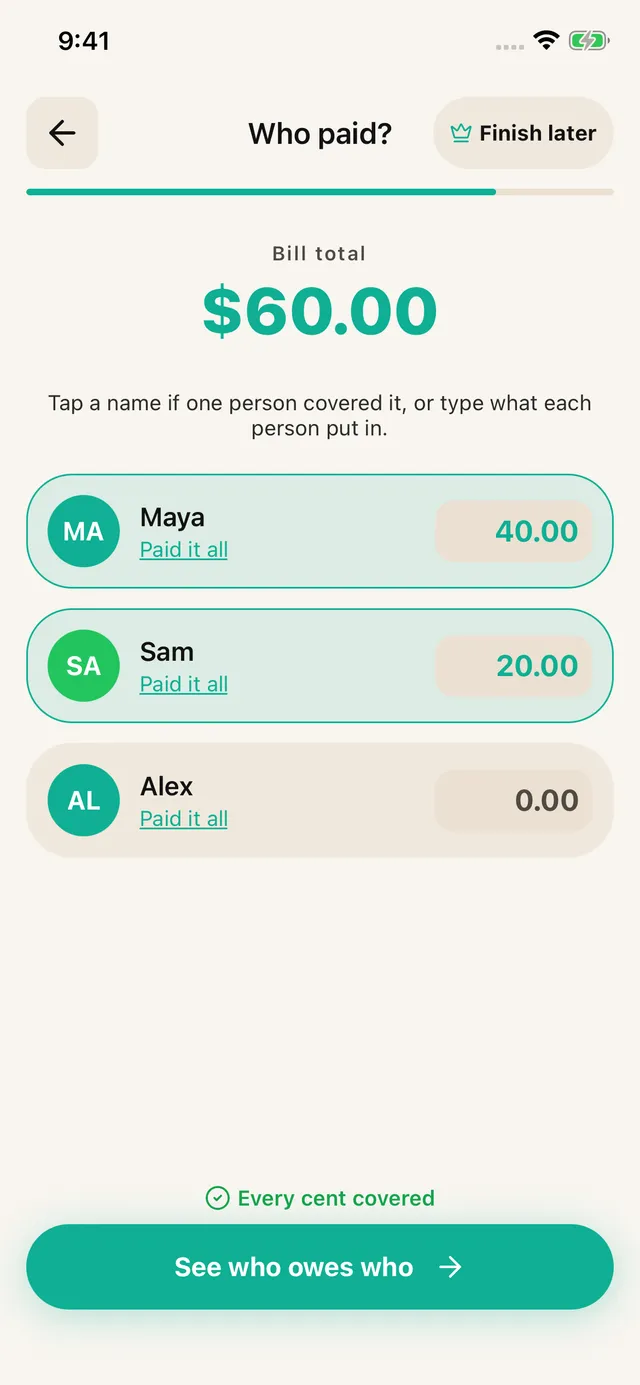
If five friends have a $275 restaurant receipt with individual meals and shared drinks, the difficult part is assigning items. SPLIIT Pro scans the receipt, lets one person drag names onto the lines, and prorates tax and tip. Nobody else needs to install it.
The free tier allows 7 saved contacts plus you and 3 groups. Scans refill over time. Pro removes ads and adds unlimited scans, contacts and groups, plus drafts. Past transactions remain readable for everyone.
If the same five friends are travelling for a week, a shared ledger becomes more valuable. Splid can maintain the longer group, including offline entries and many currencies. The small amount of joining friction buys a shared record.
Privacy and recovery trade places
No-sign-up tools collect less identity information and start faster. The tradeoff is recovery. If data lives only on one device and that device disappears, there may be no account from which to restore it.
For a restaurant receipt, that risk is minor because the result is shared immediately. For six months of roommate expenses, synchronized access and backup matter more. Choose based on the lifespan of the debt, not a blanket preference for or against accounts.
A no-sign-up receipt example
Four people share a delivery order:
- Two personal meals at $18 each
- One meal at $24
- One meal at $16
- A $12 appetizer shared by three
- $9 delivery fee, $7.20 tax, and $14 tip
An equal split charges $29.55 each. An itemized split assigns the appetizer only to three people and lets fees follow the food subtotal. One organizer can calculate it and paste the breakdown into the group chat. No group setup is required.
Verdict
Choose SPLIIT Pro for itemized receipts, private expense groups and repayment tracking. Choose a collaborative expense app when everybody must edit the same records. SPLIIT Pro does not import another app’s history, convert currencies or transfer money.
For the broader decision, see the best free bill-splitting apps by job and SPLIIT Pro vs Splid.
Frequently asked questions
Is there a bill splitting app without sign-up?
Yes. SPLIIT Pro can scan and split an itemized receipt without account creation. Splid advertises offline and synchronized groups without sign-up, while Kittysplit works in a browser. The right choice depends on whether you need receipt extraction, an ongoing ledger, or one simple calculation.
Do all friends need the same bill splitting app?
No. A receipt-focused app can let one organizer calculate and share the result as text. A synchronized ledger usually works best when group members join the same group, although the exact onboarding differs by app.
What do I lose by not creating an account?
Account-free tools usually trade synchronization and recovery for speed and privacy. If you need a balance shared across devices for months, an account or group link may be worth it. For one dinner receipt, persistent group identity is often unnecessary.