Splitwise vs Splid: Accounts, Currencies and Receipt Splitting
Compare Splid and Splitwise for offline trips, shared records and itemized receipts, with a worked bill and links to current product sources.
Choose Splid for an offline trip group with optional synchronization and no signup. Choose Splitwise when your group already uses its shared expense history or needs Pro features such as receipt itemization. Choose SPLIIT Pro when your main job is assigning a receipt to its actual users and recording repayments in a private expense group.
Compare the job before the brand
| Need | Splid | Splitwise |
|---|---|---|
| Account | No signup advertised; offline groups or optional sync | Account-based shared expenses |
| Travel currencies | 150+ currencies with automatic conversion advertised | Currency conversion is a Pro feature |
| Receipt itemization | Main product page describes expense entry, not an item scanner | Scanning and individual item assignment are Pro features |
| Exports | PDF and Excel summaries advertised | Check the current plan and export options |
The same dinner can need two different tools
An illustrative dinner has three personal items at $24, $18 and $12, plus a $6 shared side. Before any extra charges, the shares are $26, $20 and $14: $60 altogether. An even split would charge everyone $20, overcharging the lightest order by $6. A trip ledger records who paid; item assignment establishes the correct shares before that ledger entry.
Where SPLIIT Pro fits
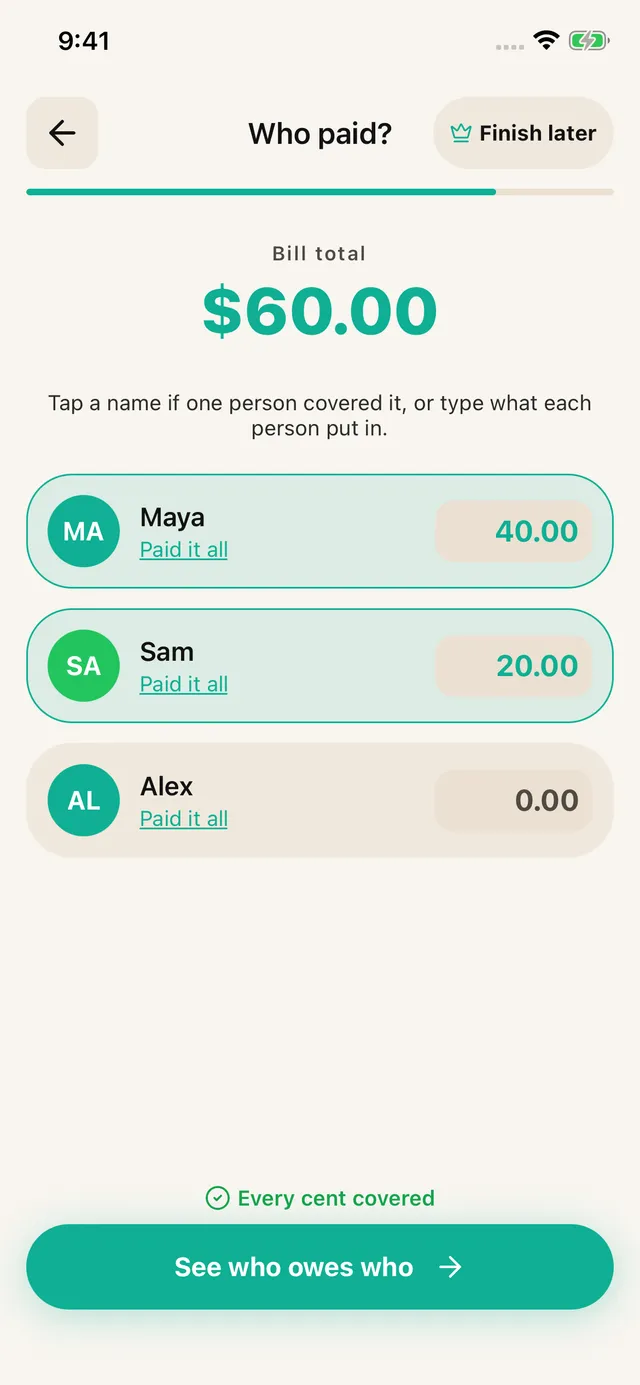
Scan or enter the receipt, review every line, assign the shared side to all three people, and record who paid. Share the breakdown so recipients can read it without installing the app. A private group keeps related bills and recorded partial repayments together. It does not let every friend edit the same group, import Splid or Splitwise history, send money, or convert currencies. AI scanning needs a connection and can need corrections.
Check costs before switching
Splid advertises a free download. Splitwise places unlimited expenses, receipt scanning and itemization in Pro; exact prices and free limits should be checked in your region. SPLIIT Pro is free to start with a scan allowance and limits; Pro adds capacity and removes ads. Neither this comparison nor the worked dinner is a subscription-price quotation. Keep useful old records before moving, because no migration into SPLIIT Pro is promised.
Primary sources checked 2026-10-05
Frequently asked questions
Does Splitwise Pro split a receipt by individual items?
Yes. Its official Pro page describes scanning a receipt and assigning detected items to friends. Compare the current price and the group workflow rather than assuming that Splitwise only reads the total.
Should I replace Splid just to split one dinner?
Keep Splid if it already fits the trip. You can calculate the item shares separately and record the result. Consider SPLIIT Pro when reviewing and assigning receipt lines is the missing job.