How to Split Netflix, Spotify and Other Subscriptions
How to split subscription costs on Netflix, Spotify, and more without breaking the rules or chasing $4 from five people every month.
Figuring out how to split subscription costs sounds like the easiest math in this entire category — divide the price by the number of people — and yet it’s one of the most common sources of low-grade friend-group friction, because the debt is small, recurring, and easy to forget month after month. Nobody’s mad about $4. Everyone’s mildly annoyed about chasing $4 for the sixth month running.
There are two separate problems here: which services actually allow sharing without risking the account, and how to collect a small recurring amount from multiple people without it becoming a monthly chore.
Who Actually Allows This
Netflix cracked down hard starting in 2023. Sharing outside your household now technically requires the paid “extra member” add-on, which Netflix bills directly to the primary account holder — so if you’re sharing a Netflix account with people outside your home, you’re either using this official add-on (which has its own per-slot cost) or risking account suspension on a shared login that doesn’t match Netflix’s household detection.
Spotify Family and Duo plans require everyone on the plan to share the same registered address, which Spotify checks periodically. This is often ignored by friend groups who don’t live together, and Spotify has gotten stricter about enforcing it over time. Duo (2 people, same address) and Family (up to 6, same address) are the sanctioned options; Sharing across households isn’t officially supported even though it happens constantly in practice.
YouTube Premium Family works similarly — up to 5 additional family members, generally expected to share a household, managed through Google Family Group settings. Enforcement is looser in practice than Netflix’s, but the terms are the same idea.
The honest takeaway: most “sharing” that friend groups do across separate households is against the letter of these terms of service, even when it’s common practice. That’s a real risk (account suspension, losing access with no warning) worth naming rather than ignoring, especially for a family plan where one person’s slip-up locks out five other people.
A Worked Example: Spotify Family, Six Ways
Spotify Family costs around $19.99/month and officially covers up to 6 people. Split evenly, that’s $3.33 per person per month — genuinely small money, which is exactly the problem. Nobody wants to have a conversation about $3.33. But six people forgetting to send $3.33 for a few months in a row adds up to the plan owner quietly covering $60–80 out of pocket before they say anything.
The fix isn’t a bigger conversation, it’s a smaller one, automated. Set the expense up once as a recurring monthly item split six ways, and use reminders instead of relying on any one person to remember. The plan owner shouldn’t have to re-request the same $3.33 from five people every single month by hand — that’s the actual failure mode, not the amount itself.
How to Split Subscription Costs Without Chasing People Forever
The core issue with subscriptions isn’t the math, it’s that it repeats indefinitely and the amount is too small to feel worth confronting anyone about, so it just quietly slides. A few things help:
Charge once, not per-service. If a group shares Netflix, Spotify, and a cloud storage plan, bundle it into a single monthly request instead of three separate ones. Reduces the number of times anyone has to think about it.
Set a recurring reminder, not a one-time ask. The plan owner asking fresh every month is what turns into resentment by month four. A standing reminder — automated, not personal — keeps it from feeling like nagging.
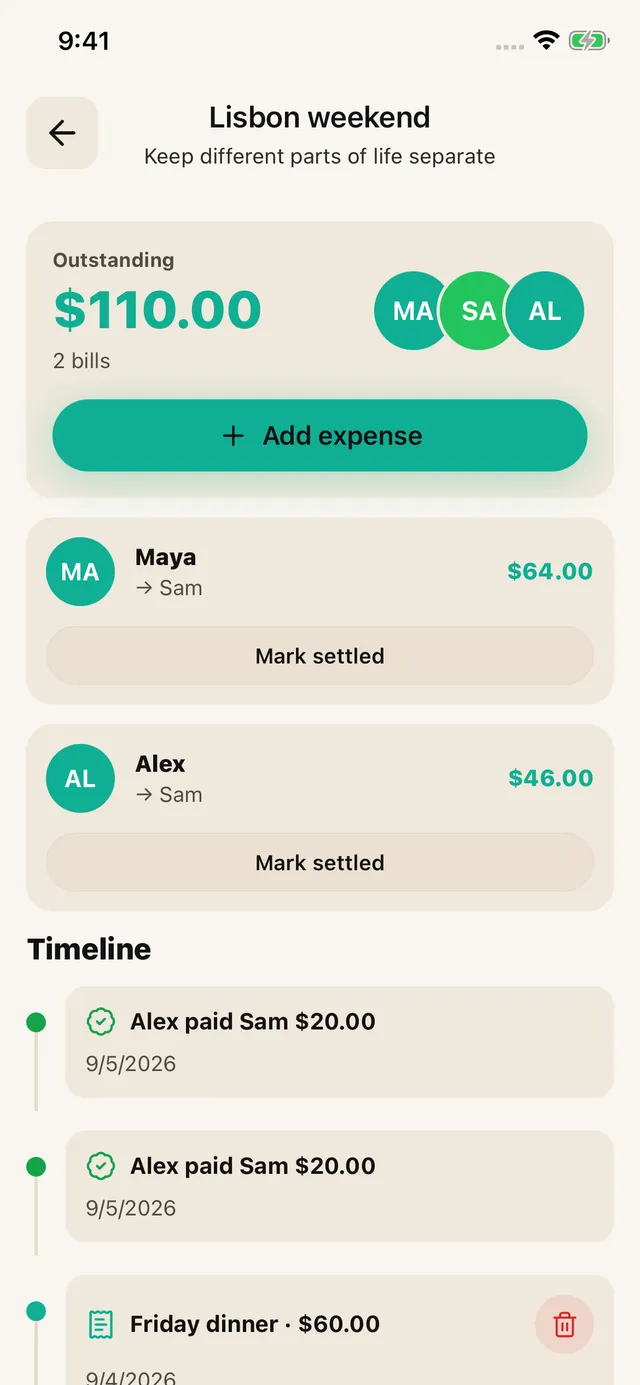
SPLIIT Pro: Assign household items to the household and personal items to their owner. Keep home expenses together in a roommate group. Record a partial repayment in the group, or use Debts for eligible ungrouped bills you paid. Add each new bill yourself; Expenses are not created automatically.
Decide upfront what happens when someone leaves. People drop off shared plans constantly — a breakup, a move, someone getting their own account. Agree at the start that whoever leaves gives a month’s notice, and that the remaining split re-divides from the next billing cycle. It’s a thirty-second agreement that prevents the classic mess where an ex is still technically on the Spotify plan eight months later and nobody knows who’s paying for their slot.
The Honest Con
Automating the reminder doesn’t automate the awkwardness of someone genuinely not paying. If a friend is consistently behind on their $3.33, the amount is too small to be worth confrontation, but the pattern — repeated across six people, every month, indefinitely — can eventually cost the plan owner real money. There’s no tooling fix for a friend who just won’t pay; That’s a conversation, not a settings change.
If you’re the plan owner reading this while five people owe you $3.33 each, put the recurring charge and reminder in the ledger once, then settle on the cadence your group agreed. The important feature here is recurrence, so use a tool that explicitly supports it.
For that conversation, what to do about a friend who never pays you back has scripts that work fine for a $3.33 subscription debt, not just big ones. If the subscription-sharing is happening inside a shared household rather than a friend group, roommate bills without fights covers folding it into the rest of your recurring bills. And if you’re trying to avoid paying for yet another app just to track a $4 monthly split, the best app to split bills without a subscription is worth reading before you commit to anything.