Split Trip Costs When Someone Cancels
Separate refundable charges from committed costs before changing the participant list.
Separate refundable charges from committed costs before changing the participant list. A cancellation does not by itself decide who owes for a nonrefundable booking.
Record the group’s cancellation agreement before booking. Confirm refunds or replacement participants with the provider. Allocate the remaining committed cost under that agreement, and split later meals or activities only among attendees. Never present a fairness proposal as the provider’s cancellation policy.
Worked example
Three friends commit equally to a 300-unit booking. C cancels and the provider refunds 60. Remaining cost: 240. Under the original equal-commitment agreement, each owes 80. A different agreed rule can assign it to attendees; the app does not decide the obligation.
| Allocation | Amount |
|---|---|
| A | 80.00 |
| B | 80.00 |
| C | 80.00 |
| Total | 240.00 |
Record the result
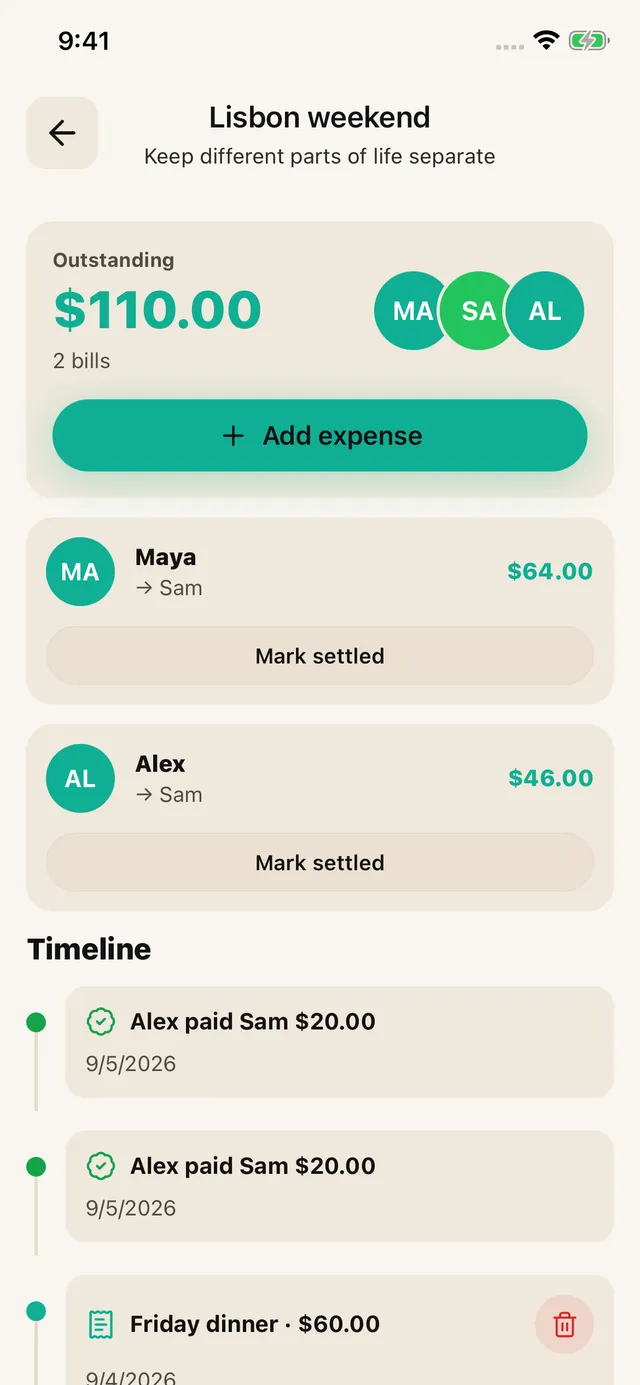
Agree the rule first, then enter the calculated amounts and actual payer in SPLIIT Pro. Assign each amount to the relevant people and review the total before sharing the breakdown. The private expense group keeps related bills and recorded partial repayments together. Friends can read shared breakdowns without installing the app; they do not edit your group. Transfer money through another method and record repayment only after it arrives.
These are illustrative units, not current prices. Use the actual bill, currency and agreement; the calculation is explained here, not promised as an automatic feature. Scanning needs a connection and review. The app is free to start with usage limits; Pro adds capacity and removes ads.
Frequently asked questions
Does removing someone from the trip erase their booking share?
No. Keep committed costs under the documented cancellation agreement, and exclude the person from new expenses they did not join. Refunds, replacement guests and provider terms can change the amount; confirm those facts first.