Choose a Trip Expense App for Connectivity and Currencies
Choose for the trip’s conditions: no connection, multiple currencies, shared editing or itemized receipts.
Choose for the trip’s conditions: no connection, multiple currencies, shared editing or itemized receipts. Those needs can outweigh a headline subscription comparison.
Splid’s official page advertises offline groups, optional synchronization and 150+ currencies with conversion. Splitwise’s Pro page lists conversion and receipt itemization. SPLIIT Pro is suited to reviewed receipt lines and private expense groups; scanning needs a connection and it does not convert currencies. Check current regional plans before paying.
Worked example
A trip includes 60 EUR and 30 USD of separate bills. Keep two totals unless the group agrees an exchange rate and calculates it separately. Adding them as 90 of one currency is incorrect. The eventual repayment method may charge its own conversion fee.
| EUR | Amount |
|---|---|
| A | 60.00 |
| Total | 60.00 |
| USD | Amount |
|---|---|
| USD | 30.00 |
| Total | 30.00 |
Record the result
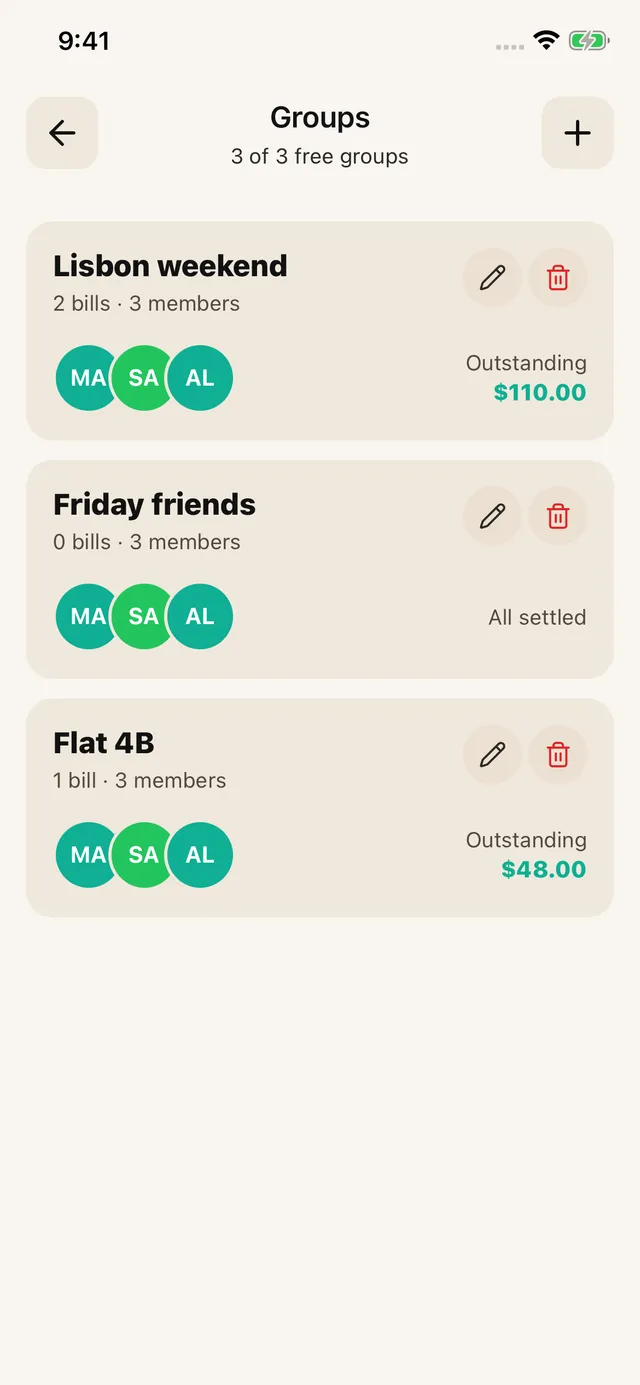
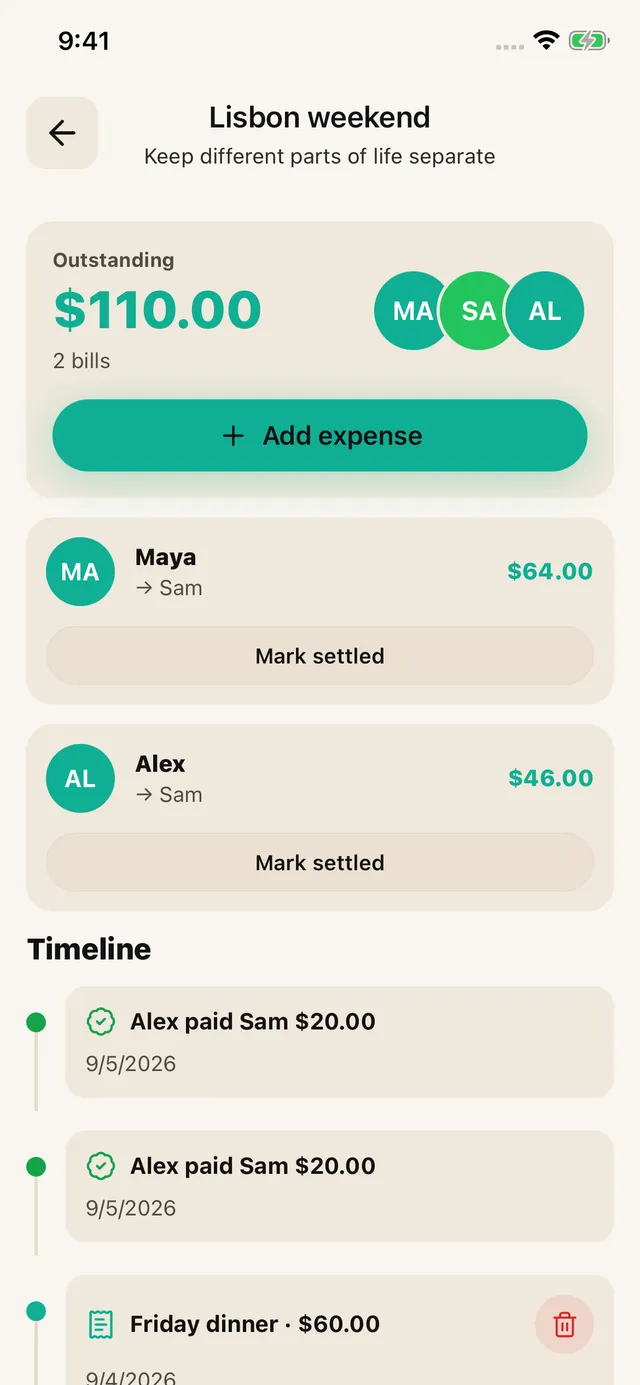
Agree the rule first, then enter the calculated amounts and actual payer in SPLIIT Pro. Assign each amount to the relevant people and review the total before sharing the breakdown. The private expense group keeps related bills and recorded partial repayments together. Friends can read shared breakdowns without installing the app; they do not edit your group. Transfer money through another method and record repayment only after it arrives.
These are illustrative units, not current prices. Use the actual bill, currency and agreement; the calculation is explained here, not promised as an automatic feature. Scanning needs a connection and review. The app is free to start with usage limits; Pro adds capacity and removes ads.
Splitwise Pro · Splid · Tricount — official product sources checked 2026-10-05.
Frequently asked questions
Can I combine different currencies into one SPLIIT Pro balance?
It does not convert currencies. Keep currency balances separate, or agree and calculate a conversion outside the app before manually entering a consistent amount. Do not present a privately agreed rate as the provider’s live exchange rate.