Share a Bill Breakdown Without Group Signup
Separate reading the bill from editing a shared ledger.
Separate reading the bill from editing a shared ledger. One organizer can calculate a receipt and send a readable breakdown without requiring every recipient to install the same app.
Agree the participants’ names and item choices before sharing. A recipient should be able to understand their amount and challenge a mistake. If everyone needs to add expenses jointly, choose a tool designed for shared editing; a private organizer’s group is a different workflow.
Worked example
A’s meal costs 24 and B’s 16, plus an 8-unit side shared equally. Shares: A 28 and B 20; total 48. The message should explain the shared 4-unit addition, rather than sending only an unexplained repayment request.
| Allocation | Amount |
|---|---|
| A | 28.00 |
| B | 20.00 |
| Total | 48.00 |
Record the result
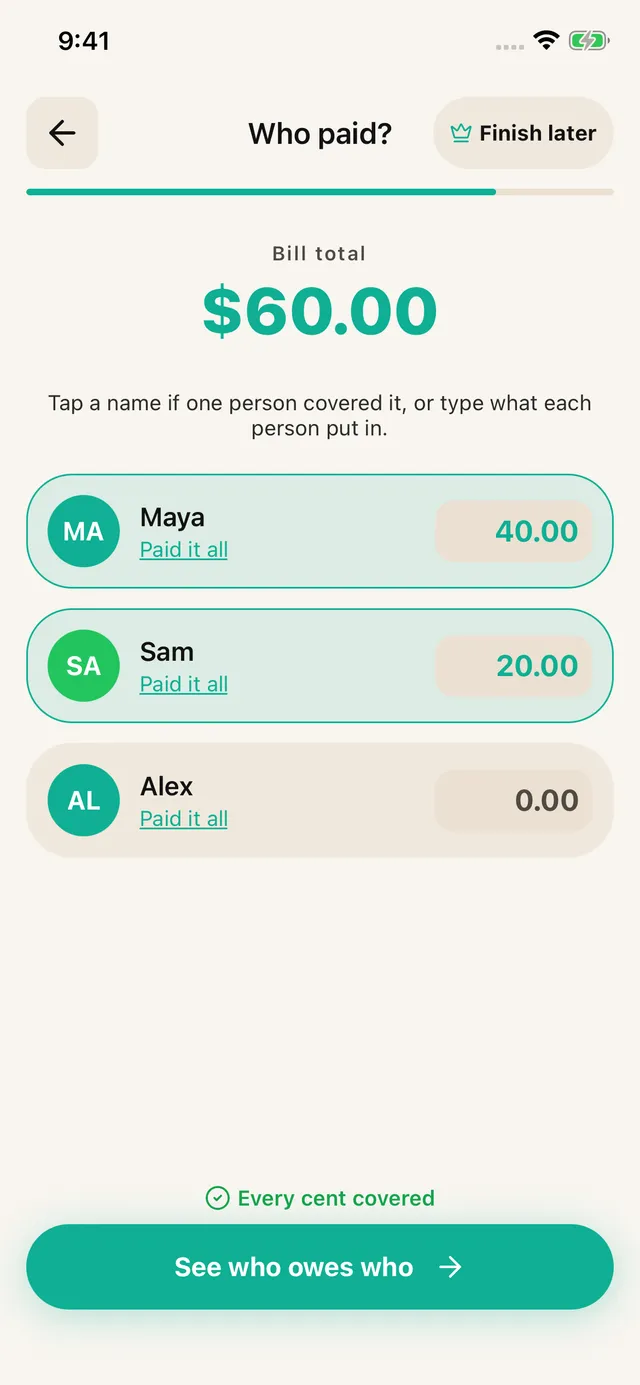
Agree the rule first, then enter the calculated amounts and actual payer in SPLIIT Pro. Assign each amount to the relevant people and review the total before sharing the breakdown. The private expense group keeps related bills and recorded partial repayments together. Friends can read shared breakdowns without installing the app; they do not edit your group. Transfer money through another method and record repayment only after it arrives.
These are illustrative units, not current prices. Use the actual bill, currency and agreement; the calculation is explained here, not promised as an automatic feature. Scanning needs a connection and review. The app is free to start with usage limits; Pro adds capacity and removes ads.
Splitwise Pro · Splid · Tricount — official product sources checked 2026-10-05.
Frequently asked questions
Does reading a SPLIIT Pro link let a friend edit my group?
No. Friends can read the shared breakdown without installing the app, but they do not edit your private expense group through that link. The organizer reviews corrections and records repayments after money arrives separately.