College Expense Tracking: Split Shared Student Costs
Free expense tracking app for college students sharing dorm costs, rides, and groceries — includes a worked example for a semester of shared spending.
An expense tracking app for college students only earns its place on your phone if it’s free, because you are, structurally, broke, and every subscription is a subscription you’ll cancel by October anyway. The good news is you don’t need a paid budgeting app to stop losing money to shared costs. You need one place to log who paid for what, and a habit of actually using it.
Where the money actually leaks
It’s rarely the big stuff. Rent or the housing plan is usually one fixed number everyone already knows. The leaks are smaller and more frequent: someone Venmos for the Uber, someone else grabs the mini fridge off Facebook Marketplace and fronts the whole $60, someone buys the cleaning supplies for the dorm bathroom nobody wants to clean. Each one is $10 to $60. None of them feel worth tracking in the moment. By week six of the semester they add up to real money that nobody can account for.
A semester of shared dorm costs, worked out
Two roommates split a semester of shared dorm expenses. Here’s what actually got bought:
- Mini fridge: $110, one roommate paid, split evenly = $55 each
- Snacks and shared pantry items across the semester: $340 total, split evenly = $170 each
- Cleaning supplies (paper towels, dish soap, disinfectant): $85, split evenly = $42.50 each
- Ride shares to campus events and grocery runs, split unevenly since one roommate has a car and drives more: $120 total, $80 to the driver / $40 to the passenger as a fair gas contribution
Total shared spend: $655. Roommate A’s share: $55 + $170 + $42.50 + $40 (passenger) = $307.50. Roommate B’s share: $55 + $170 + $42.50 + $80 driver contribution kept = actually paid out less since they’re being reimbursed for gas, so their net cost is $267.50.
That’s a $40 difference across a whole semester that’s genuinely earned, not arbitrary, because one person is providing a car and gas the other isn’t. Tracked properly, nobody has to argue about it in December. Untracked, it’s exactly the kind of thing that turns into “you never pay for gas” out of nowhere.
Why a free expense tracking app for college students actually matters
A spreadsheet works fine in theory. In practice, nobody opens Google Sheets on their phone standing in the checkout line, so the receipt gets stuffed in a bag and the entry never happens. A free expense tracking app for college students needs to survive contact with actual student behavior: half-charged phones, group chats instead of meetings, and a strong aversion to anything that feels like homework. That means the bar isn’t “does it have every feature,” it’s “will anyone in the group actually use it three weeks from now.”
The apps that fail this test usually fail for one of two reasons: they charge for basic features once you pass a handful of logged expenses, or they take so many taps to log something that people give up and go back to mental math. Free and fast beats feature-rich and forgotten every time in a dorm setting.
Keep it free, keep it simple
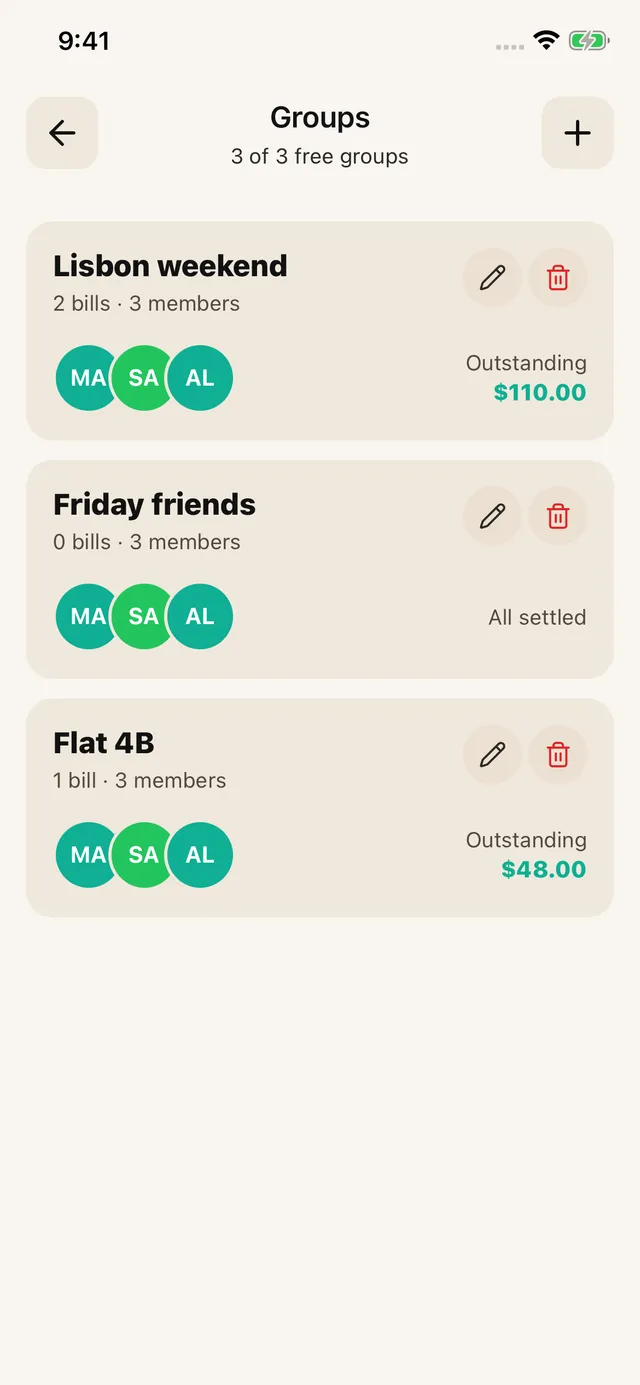
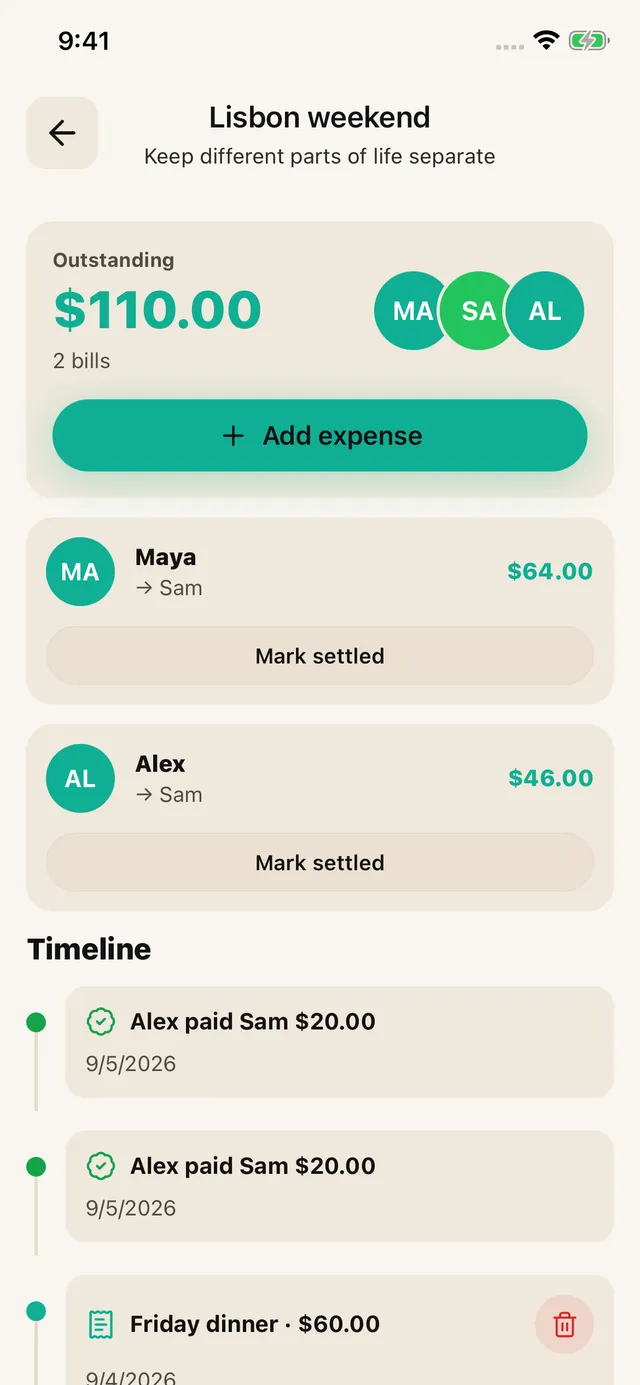
SPLIIT Pro: Assign household items to the household and personal items to their owner. Keep home expenses together in a roommate group. Record a partial repayment in the group, or use Debts for eligible ungrouped bills you paid. Add each new bill yourself; Expenses are not created automatically.
Groceries and the dorm-specific stuff
Dorm and shared-apartment grocery splitting has its own tension, especially when one roommate eats twice as much or has different dietary needs. How to split groceries with roommates covers the actual systems that hold up, including how to handle a roommate who buys separately. And if you’re moving from a dorm into a shared apartment or house next year, the bigger-picture version of all this, rent, utilities, and the whole shared-household system, is in how to split rent and utilities without fights.
When splitting apps aren’t worth it
If it’s just you and one roommate splitting one predictable cost 50/50 every month, like a shared Spotify plan, you genuinely don’t need an app for that. Set a recurring Venmo request and move on. Where tracking earns its keep is uneven, frequent, multi-person spending, the kind of semester where five different people front costs for four different things and nobody remembers the total by finals week. If that’s your situation, it’s worth comparing free options properly rather than assuming they’re all the same. Best app to split bills with no subscription breaks down what “free” actually means across a few of them, since some cap you at a handful of expenses before asking for money.