How to Split Multi-Currency Expenses on Group Trips
A multi currency expense splitting app makes international group trips manageable — how to convert, log, and settle fairly with a worked example.
A multi currency expense splitting app earns its keep the moment your group crosses a border. Domestic trips are forgiving — everyone’s paying in the same dollars, so a rough mental tally mostly works. International trips aren’t forgiving at all. Someone pays for dinner in euros, someone else covers a taxi in dollars, a third person already booked the apartment in local currency weeks ago, and by day three nobody in the group agrees on what anyone actually owes because everyone’s converting in their head using a slightly different number.
Here’s how to keep that from becoming the thing you remember about the trip.
Why This Goes Wrong Specifically Abroad
The core issue isn’t that currency conversion is hard math. It’s that everyone in the group does it slightly differently, and slightly different answers feel like “someone’s lying” even when it’s really just three people using three different exchange rate sources. One person checks Google, another uses their bank’s app rate (which usually includes a markup), a third just estimates. None of them are wrong exactly, but none of them agree, and the group ends up arguing about the rate instead of the actual expense.
The fix isn’t more precision. It’s picking one rate source and one base currency before the trip starts, so the conversation about “was that fair” never has to also be a conversation about “which exchange rate is correct.”
Worked Example: One Dinner, One Taxi, Two Currencies
Say your base currency is USD, and you’re using a rate of roughly 1.08 USD per EUR (a reasonable working rate — it drifts day to day, which we’ll get to).
One person pays €80 for dinner. At 1.08, that converts to $86.40. Another person pays $120 for a taxi, already in dollars, no conversion needed.
If four people split the dinner and two people split the taxi (say the other two took the metro), the dinner works out to $21.60 per person, and the taxi to $60 per person for the two who rode it. Nobody has to guess at €80’s dollar value in their head at 2am after a long flight — it’s already resolved to the base currency the moment it’s logged, at a rate everyone agreed to use.
This is where a genuinely useful multi-currency app matters: it should let you log the €80 in euros, apply the group’s agreed rate automatically, and show every balance in the one currency everyone actually understands. If you’re doing this conversion manually in a notes app, the rate you use today and the rate you use three days from now will drift, and by the end of the trip your numbers won’t reconcile even though everyone acted in good faith.
Rates Drift. Agree on a Source, Not a Perfect Number
Here’s the honest caveat: exchange rates move, sometimes by a percent or two over the course of a week-long trip. If you convert the dinner on day one at 1.08 and the taxi on day five at 1.06, you’re technically using two different rates for two different transactions, and that’s fine. What matters is that you’re not also arguing about which rate was “right” — you agreed at the start to use whatever Google (or XE, or your card’s own conversion) shows at the time of the expense, and you stick to that source consistently. Trying to true everything up to a single final rate at the end adds complexity that isn’t worth it for the accuracy you’d gain.
The one place this actually matters: if someone pre-paid a large chunk — the Airbnb, a multi-day tour — weeks before the trip at a very different rate than what everyone’s using in the moment, flag it. That’s a real enough gap to talk about openly rather than silently absorb.
Setting Up a Multi Currency Expense Splitting App Before You Leave
Three decisions, made once, before anyone’s boarding a flight:
- Base currency. Usually whatever currency most of the group actually earns and spends in day to day.
- Rate source. Pick one — Google’s quoted rate is fine, consistent, and free. Don’t mix sources mid-trip.
- Who logs what, and how fast. The habit that saves every multi-currency trip is logging within the hour, while the receipt and the moment’s exchange rate are both still fresh. Reconstructing conversions from memory two days later is where the real errors creep in.
If you’re building the rest of your trip’s expense workflow around this — who pays for what, how you handle a rotating cast of payers — the group trip expense guide covers the full playbook, and this multi-currency piece slots into step three of that process.
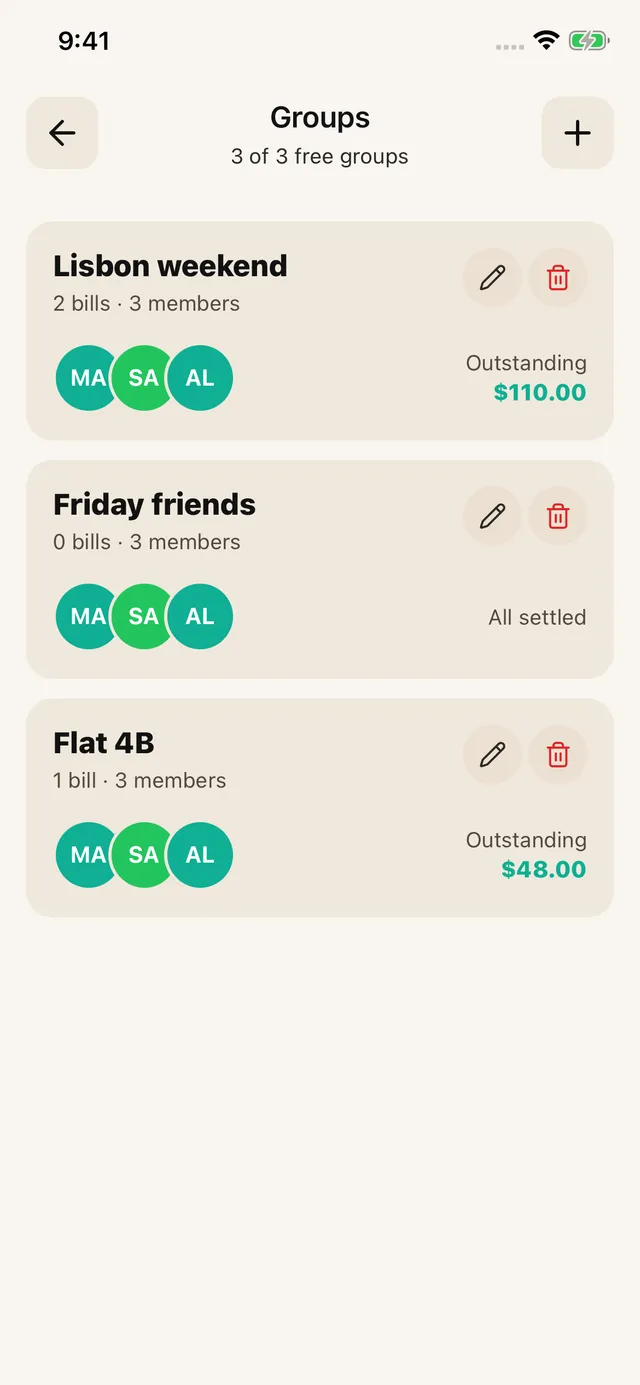
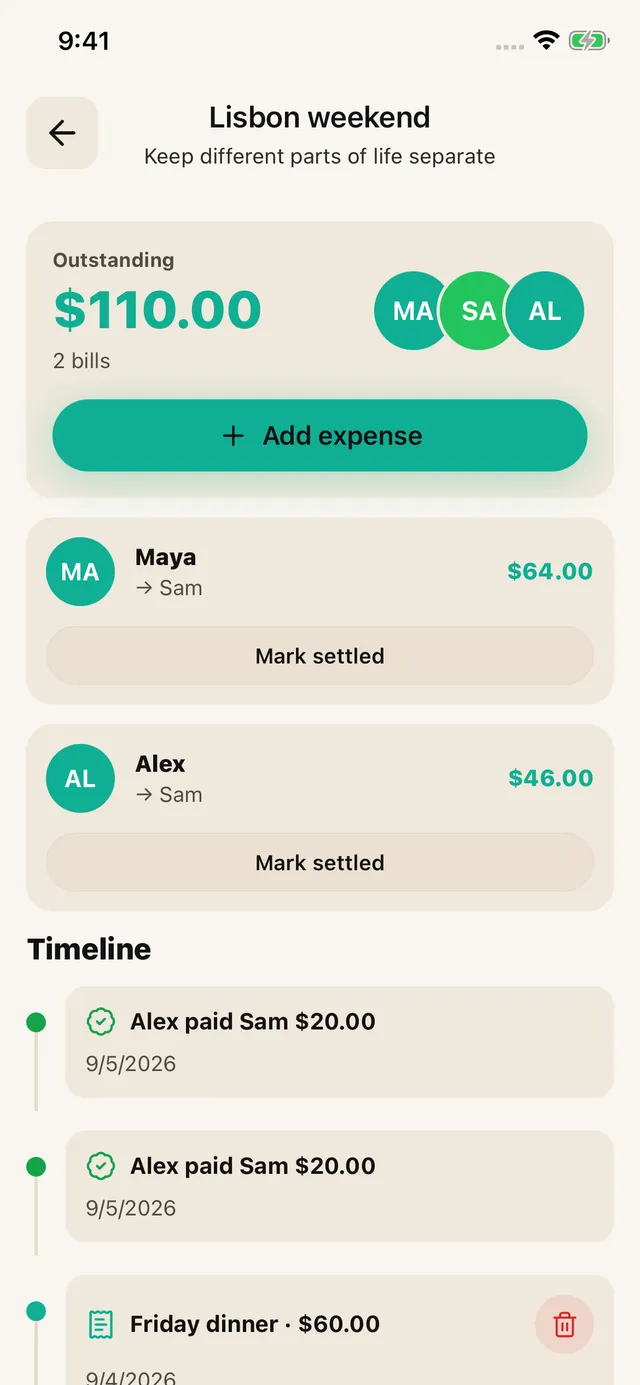
SPLIIT Pro: Keep expenses and repayments separate for each currency within the group. SPLIIT Pro reads the currency on a receipt but does not convert exchange rates or combine different currencies into one amount. Create a trip group and add each expense with its actual payer and participants. Leave skipped activities off that person’s share.
If You’re Also Splitting an Airbnb
International trips often stack a shared rental on top of the currency question — a deposit paid months ago in one currency, a cleaning fee billed in another. How to split Airbnb costs with friends covers the room-value and fee-splitting side of that, which is worth sorting out separately from the currency conversion itself so you’re not solving two problems in the same conversation. And if you’re comparing tools and don’t want another monthly charge on top of the trip itself, best app to split bills without a subscription is worth a look.
Keep the Trip About the Trip
The goal of a base currency and a single rate source isn’t precision for its own sake. It’s removing the one recurring argument that has nothing to do with the actual trip and everything to do with math nobody agreed on in advance. Set it up once, log consistently, and settle in whatever currency is easiest for the group — usually everyone’s home currency, converted once at the very end.
For an itemized dinner or grocery receipt abroad, SPLIIT Pro can still scan the printed amounts and divide that receipt on iOS or Android. Currency conversion remains a separate step.